
Multicast is the term used to describe communication where a piece of information is sent from one or more points to a set of other points. In this case there may be one or more senders, and the information is distributed to a set of receivers (there may be no receivers, or any other number of receivers).
Multicast is the networking technique of delivering the same packet simultaneously to a group of clients. IP multicast provides dynamic many-to-many connectivity between a set of senders (at least 1) and a group of receivers. The format of IP multicast packets is identical to that of unicast packets and is distinguished only by the use of a special class of destination address (class D IPv4 address, from 224.0.0.0 to 239.255.255.255) which denotes a specific multicast group.
2.How to enable Multicast
There are two types of multicast, RTP Multicast and UDP Multicast. Please refer to the following for detailed steps.
2.1RTP Multicast
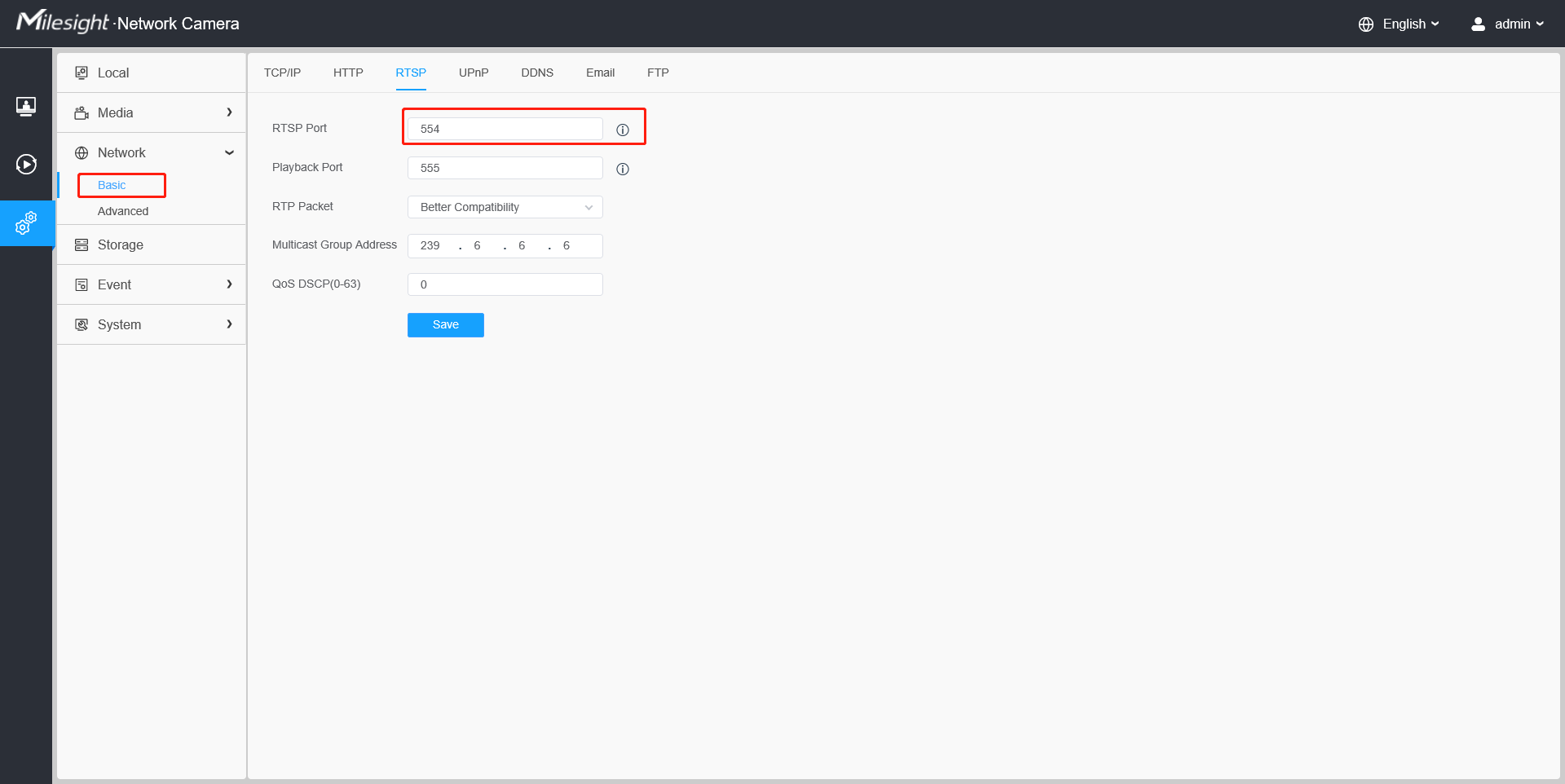
Step1: RTP Multicast is enabled by default, and the default RTP port is 554. You can verify RTP port on the web page setting.
Step2: Open VLC and find“Open Network Stream”function.
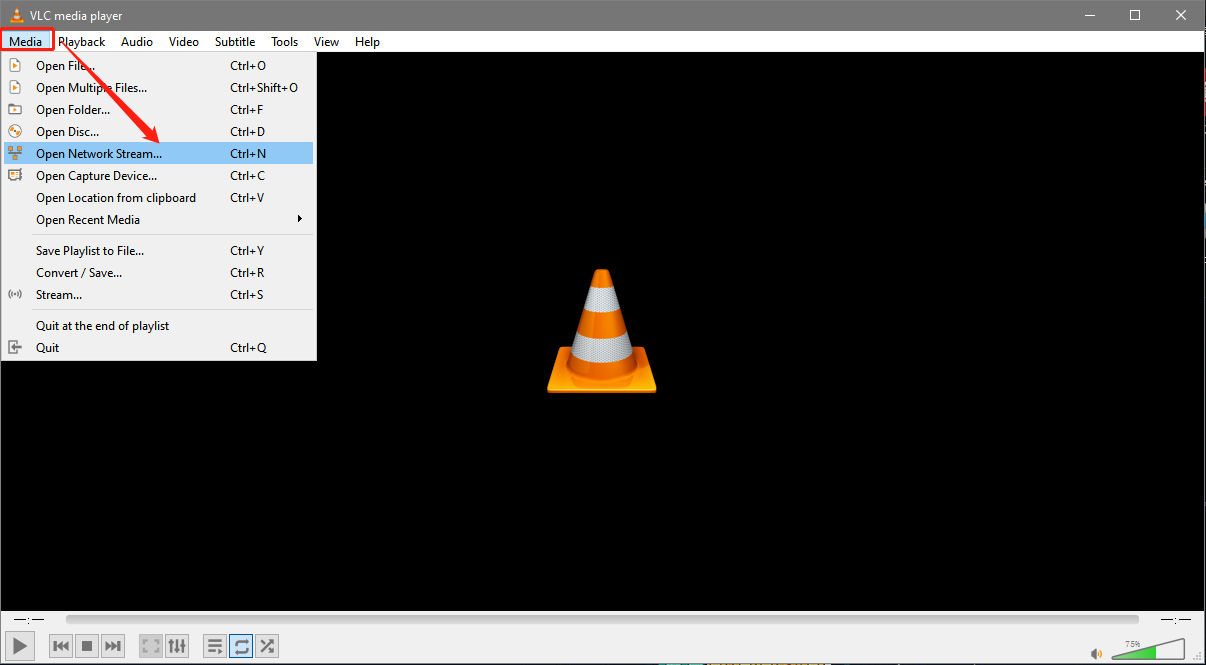
Step3: Enter the following command.
Primary Stream:
rtsp://admin:camera password@camera ip address:rtp port/mcastmain
Secondary Stream:
rtsp://admin:camera password@camera ip address:rtp port/mcastsub
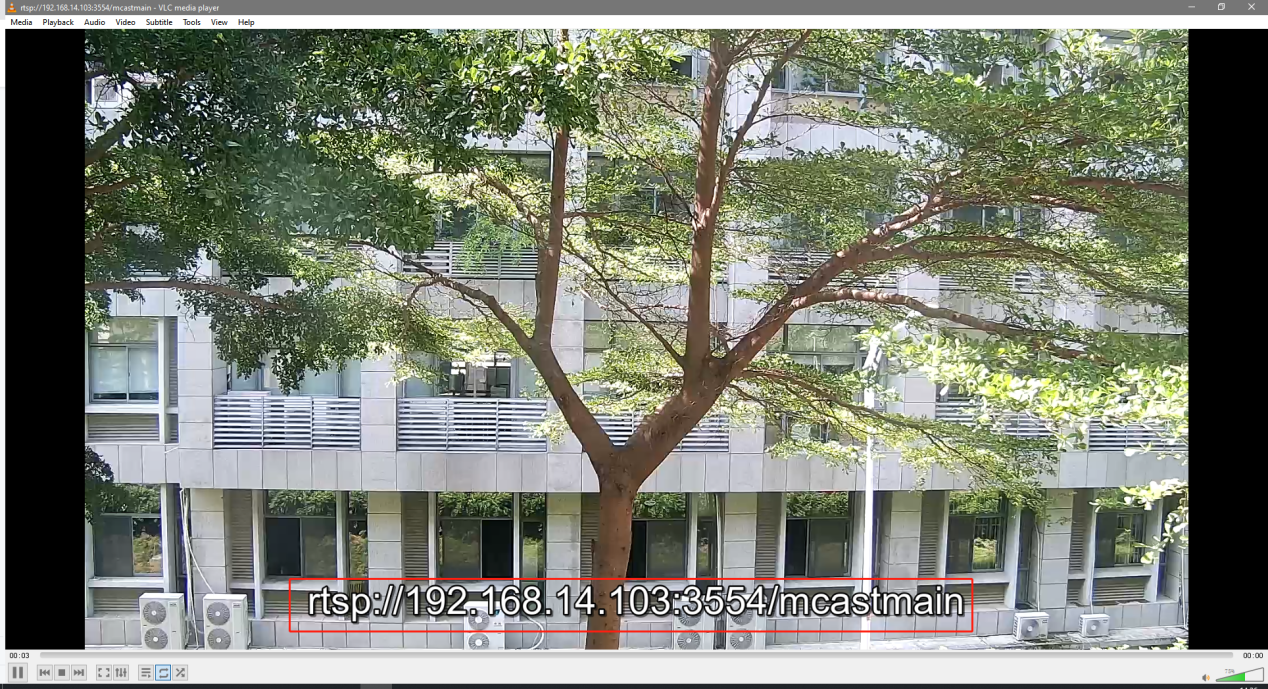
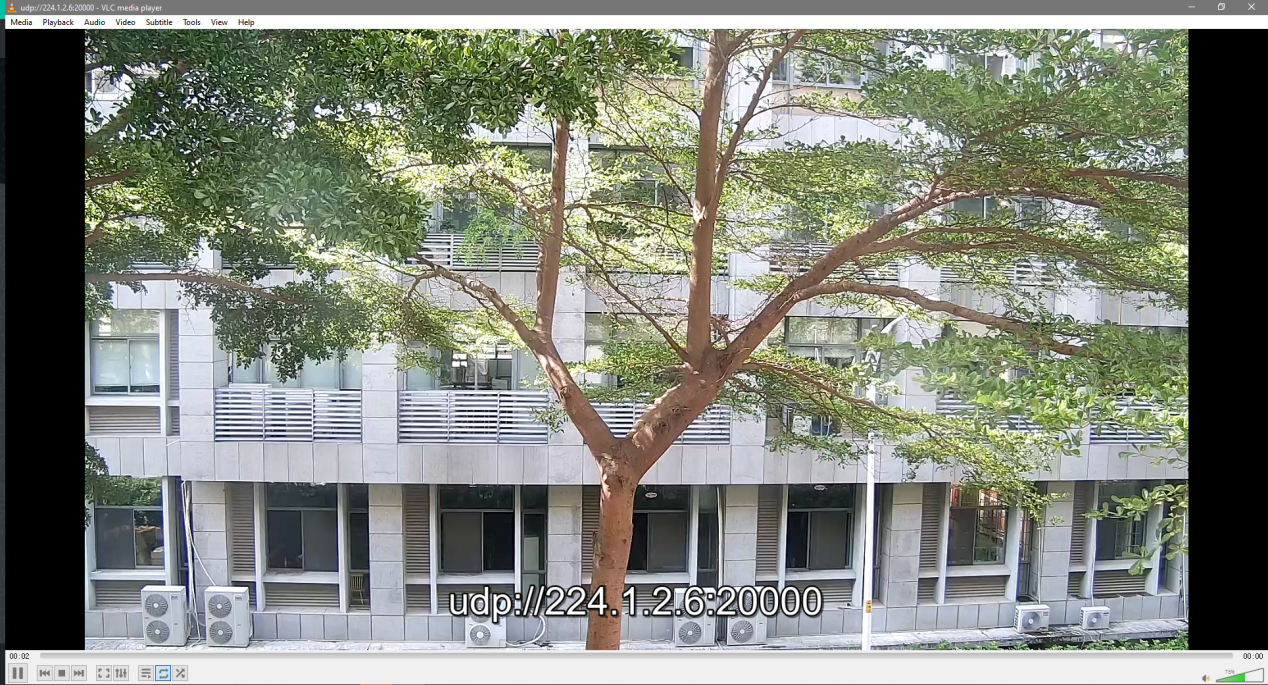
Click“Play”and it should be multicast video comes out shows like.
2.2UDP Multicast
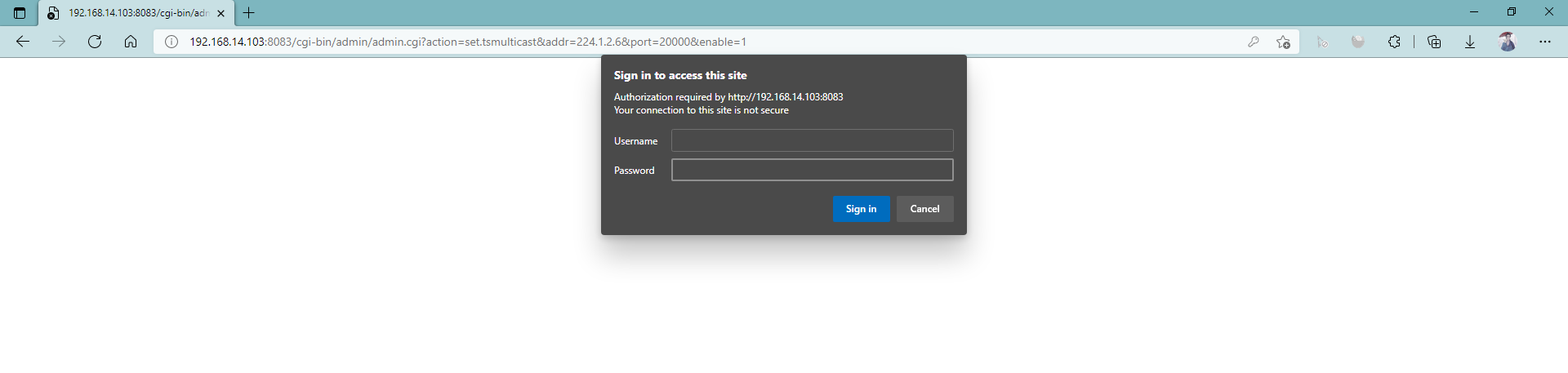
Step1: UDP Multicast is disabled by default. You can enable and configure this function with the following command.
http://camera ip address/
cgi-bin/admin/admin.cgi?action=set.tsmulticast&addr=244.1.2.6&port=20000&enable=1
Web page will let you enter login username and password, then will shows OK

Note:
① If you want to enable the UDP multicast function for multiple devices in same LAN, please pay attention to modify different UDP multicast addresses.
② The modify range of UDP multicast addresses is from 224.x.x.x to 239.x.x.x.
③ Ensure that your camera’s version is 4X.7.0.79 or above.
Step2:Check UDP Multicast information use following command.
http://camera ip address/cgi-bin/admin/admin.cgi?action=get.tsmulticast&format=inf

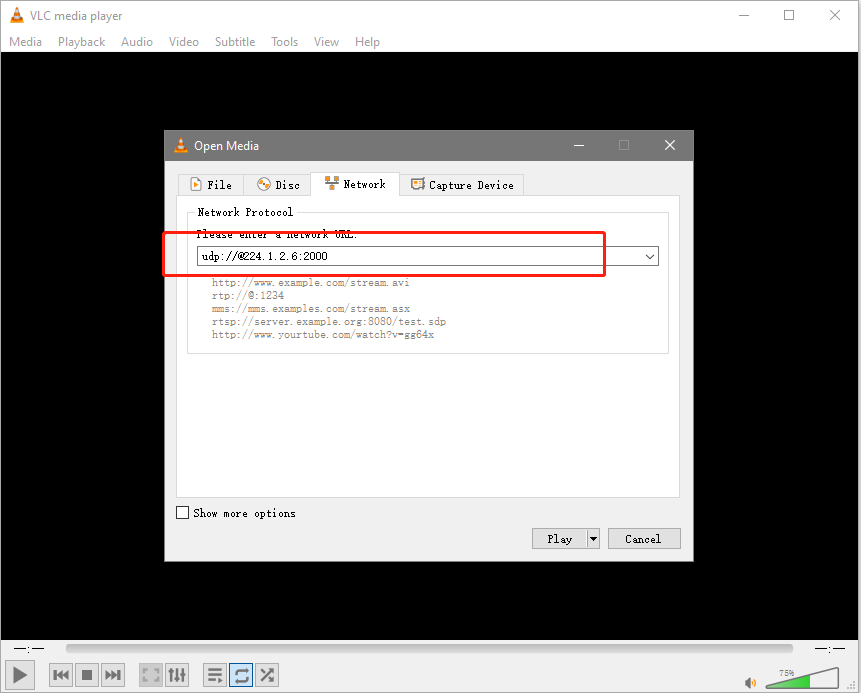
Step3: Go to VLC and enter the following command.
udp://@udp multicast address: udp multicast port
——————END——————