
1.Introduction
This document explains how to insert an SD card into the 5G pro bullet plus camera.
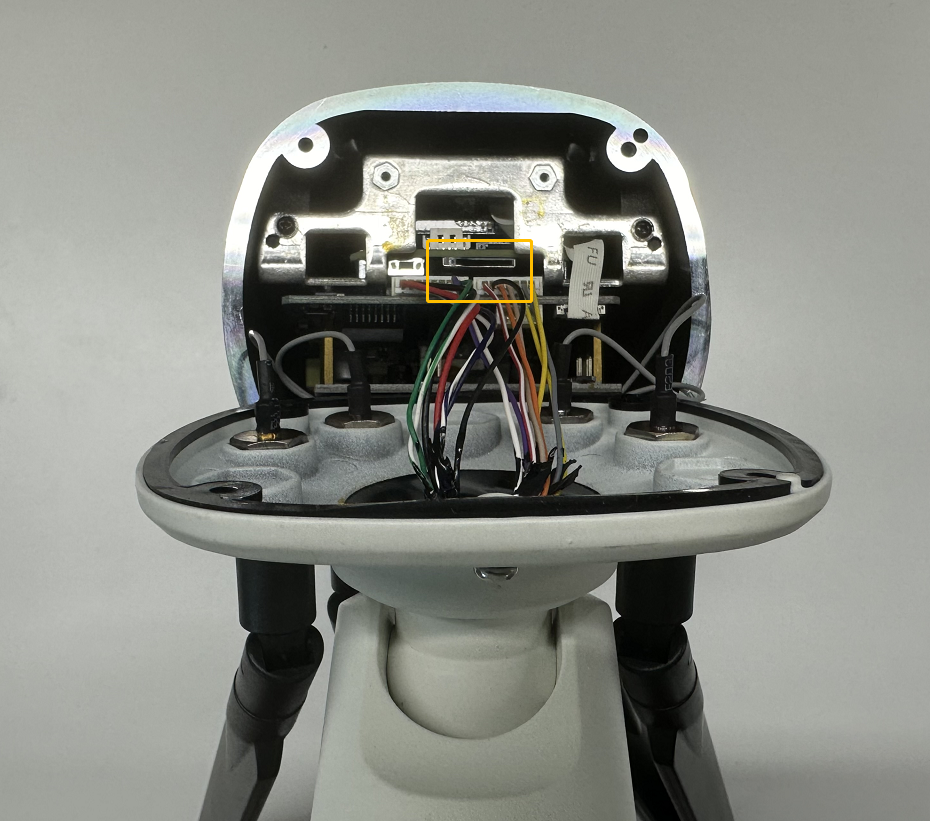
2.Location of the SD card slot
|
|
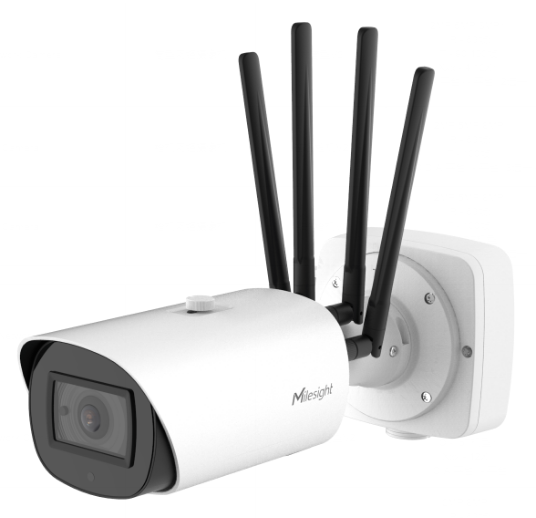
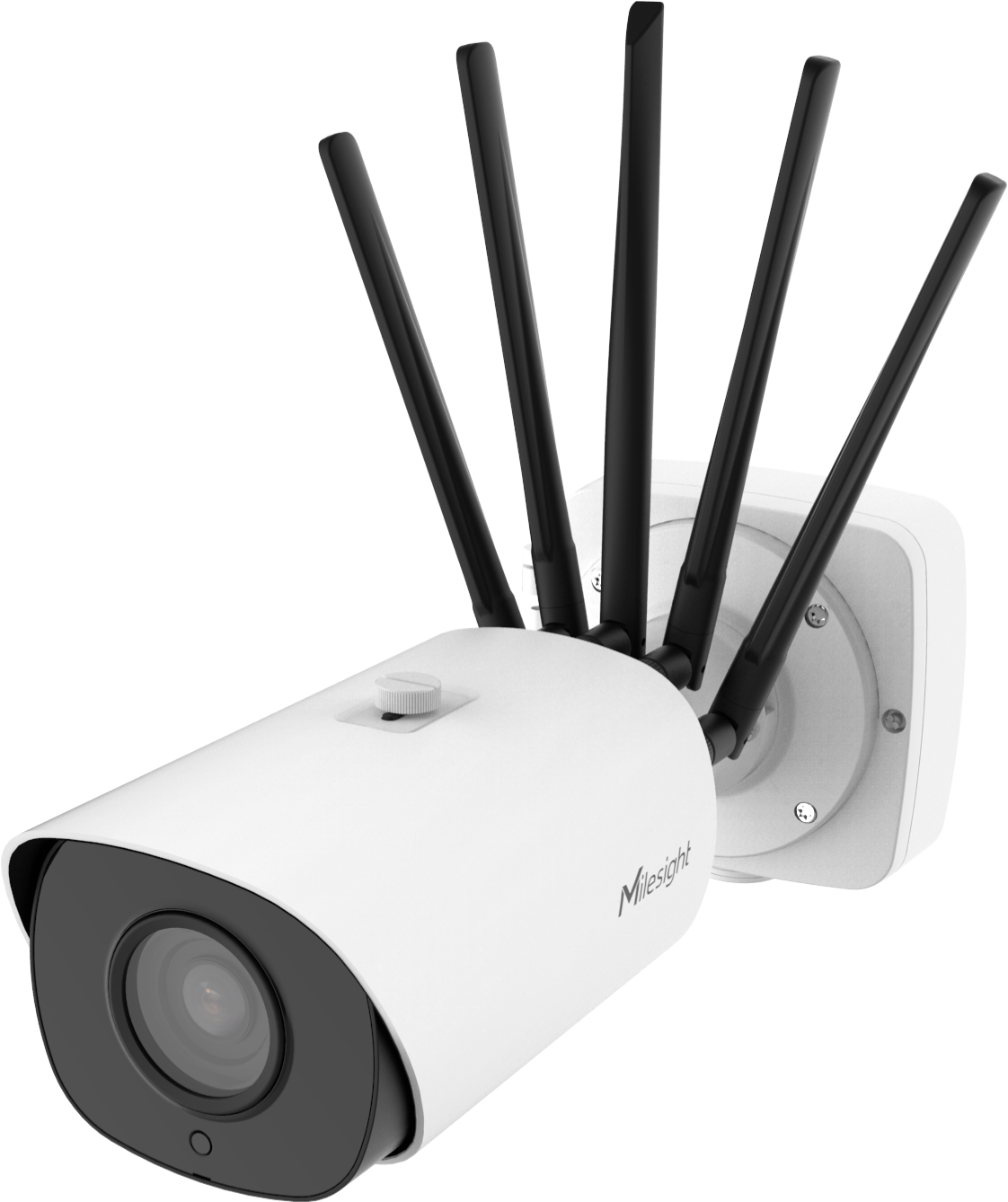
3.How to find the SD card slot
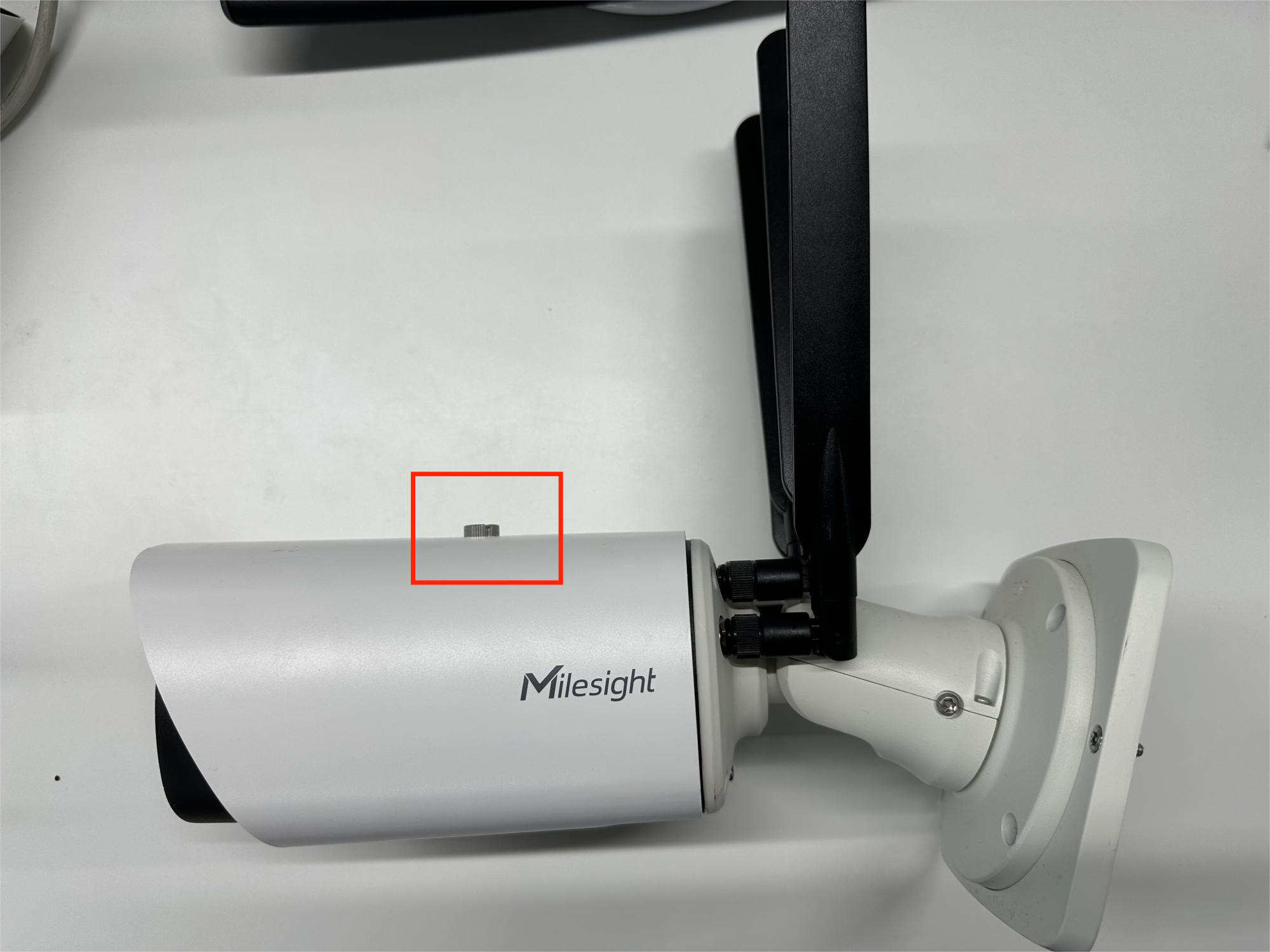
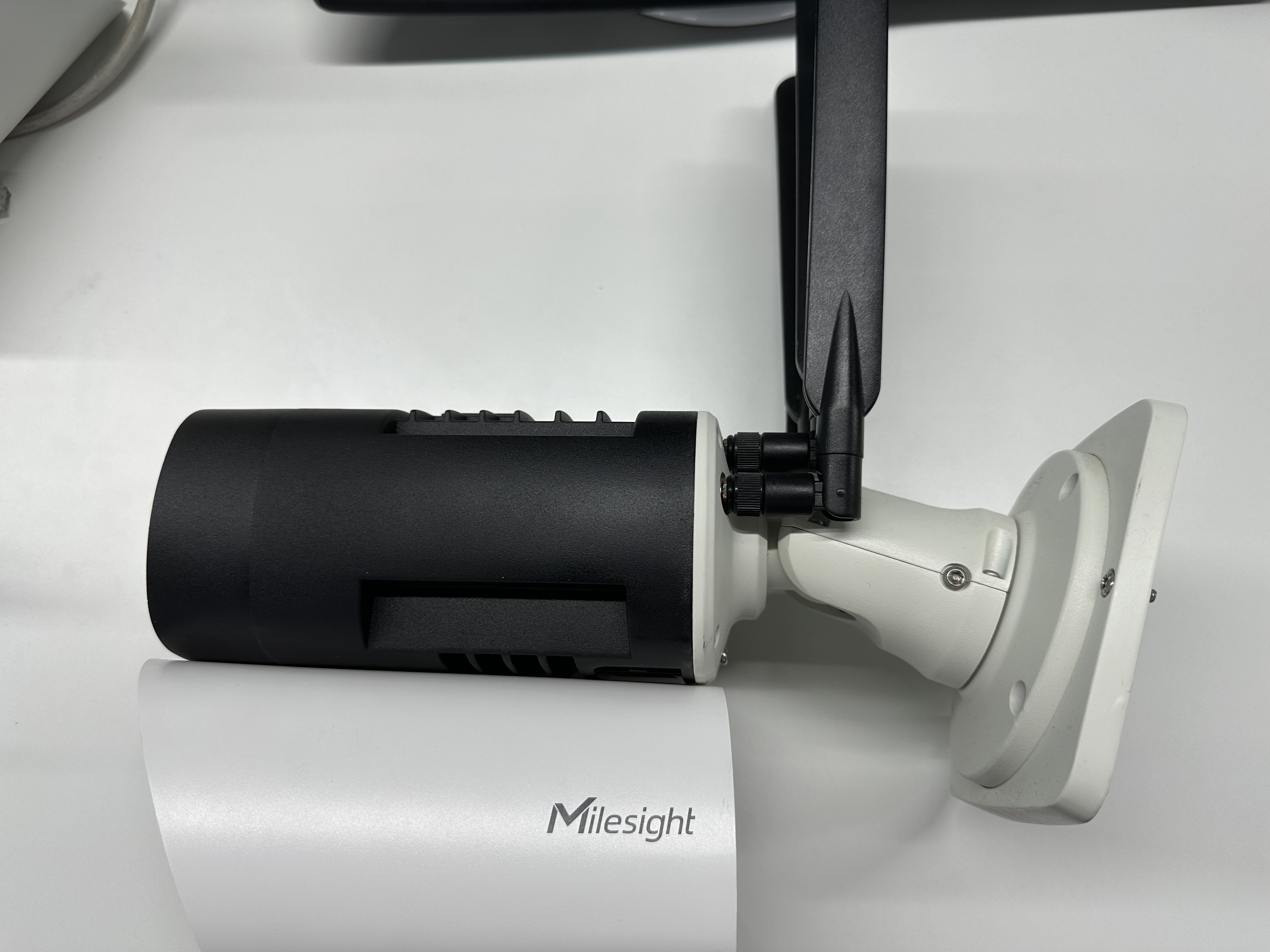
Step1: Remove the rain cover (loose the screw like picture below).
|
|
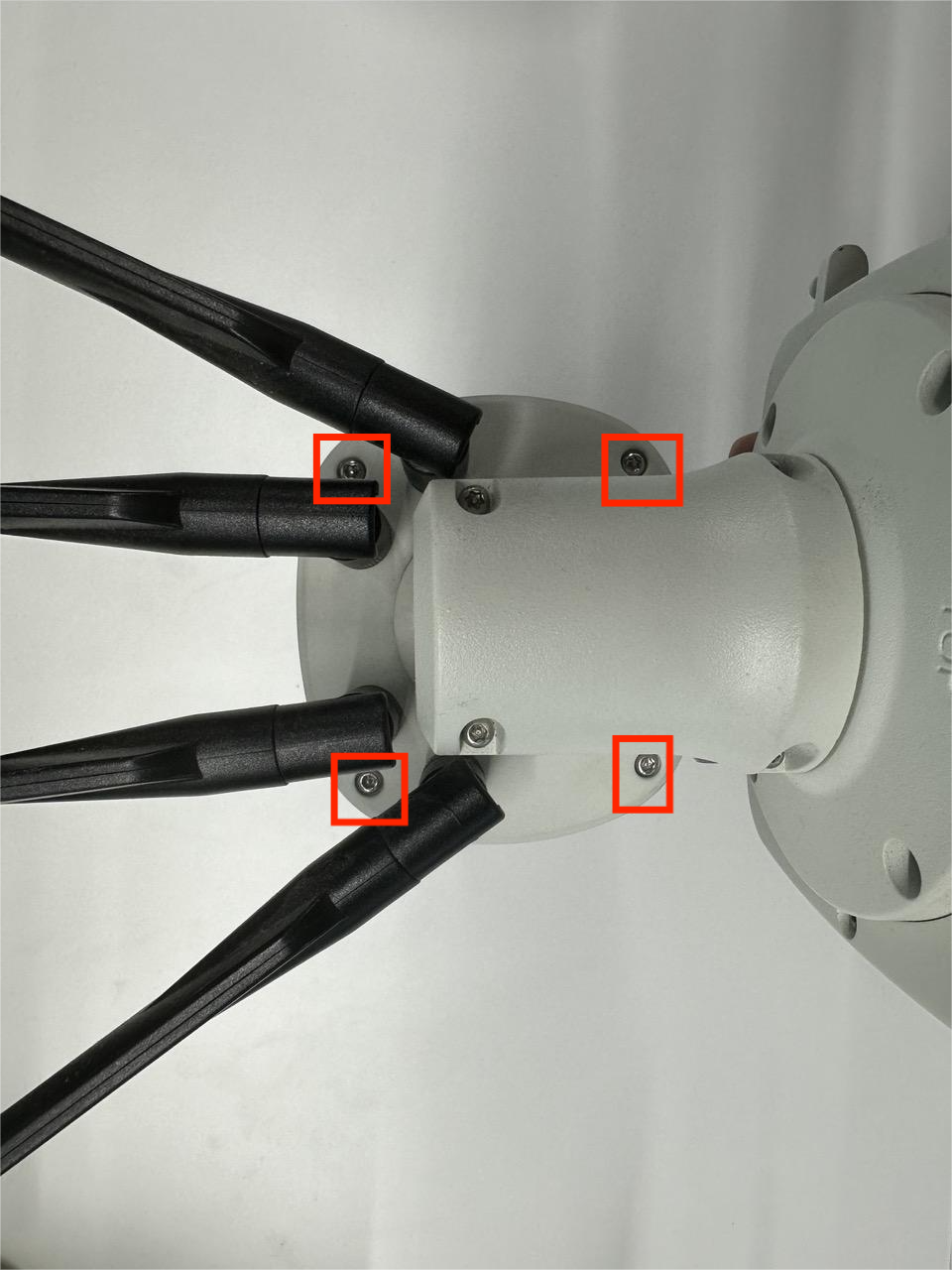
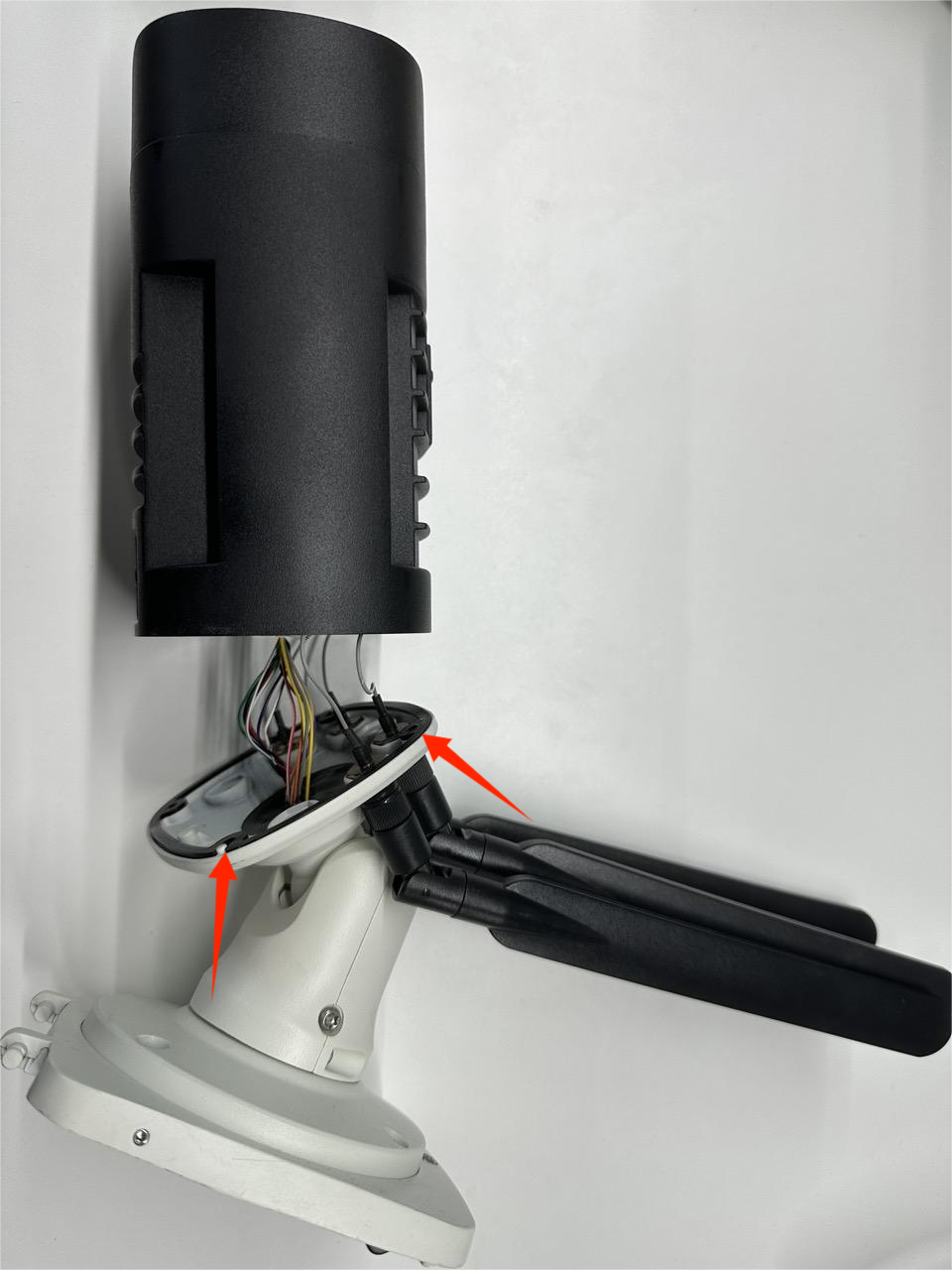
Step2: Unscrew the four screws of bottom part(As shown by the red boxes and arrows). Please keep the screws in the entire disassembly process and don't lose them.
|
|
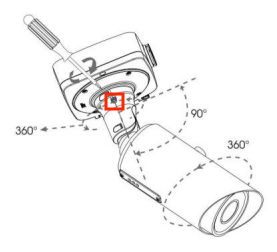
Note:
Adjust direction through the setscrew for better disassembly.
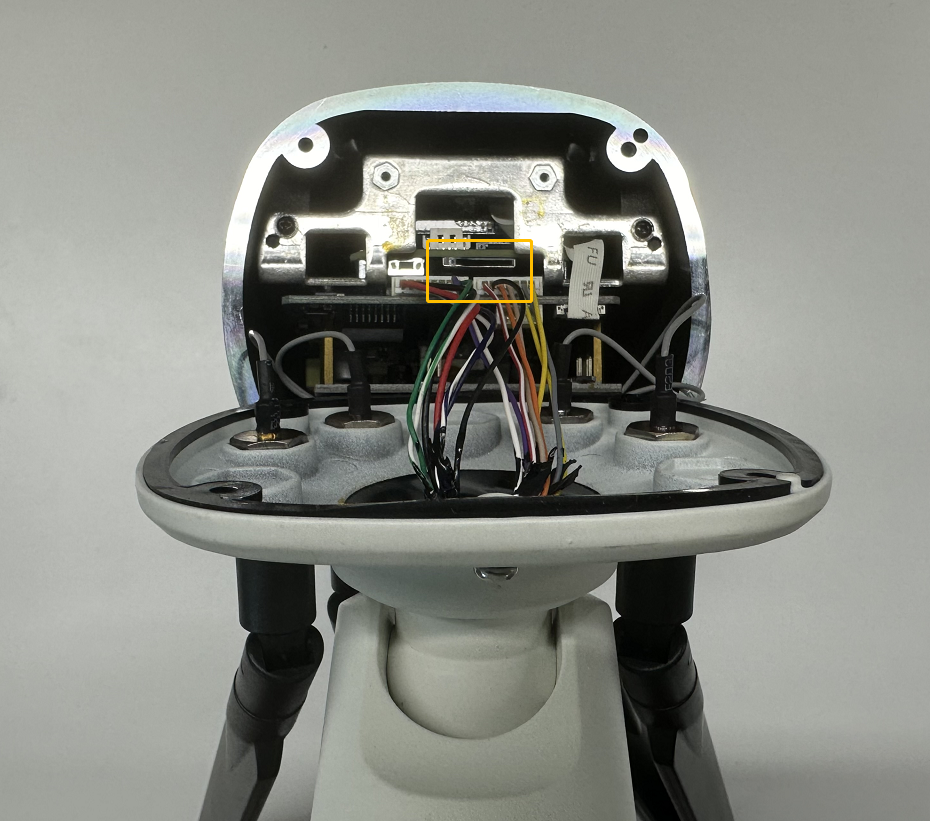
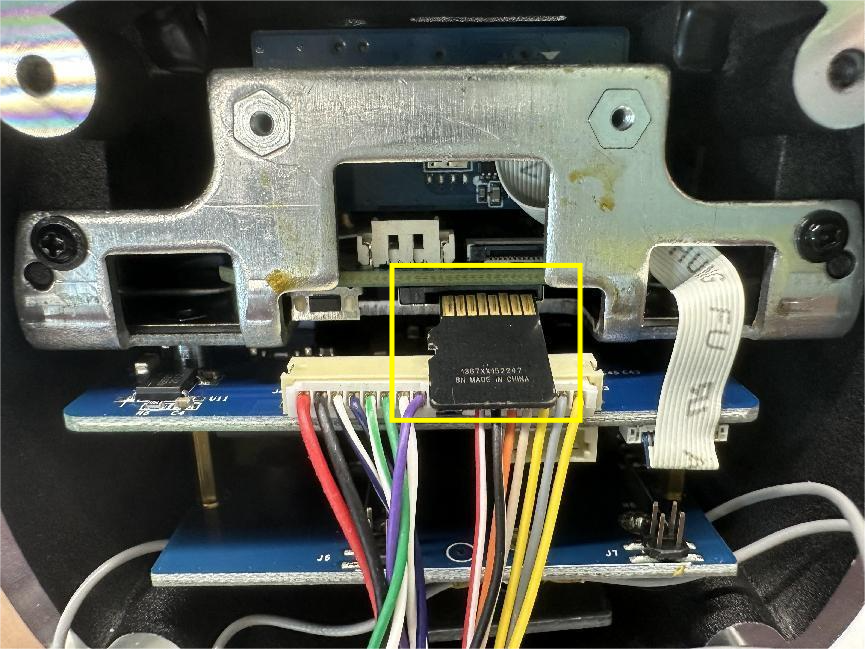
Step3: The SD card slot is shown below. Please insert the SD card in the direction indicated.
|
|
——————END——————