
1. Face Recognition
1.1 Installation Requirements
1.1.1 Camera Install Requirements
• Installation location
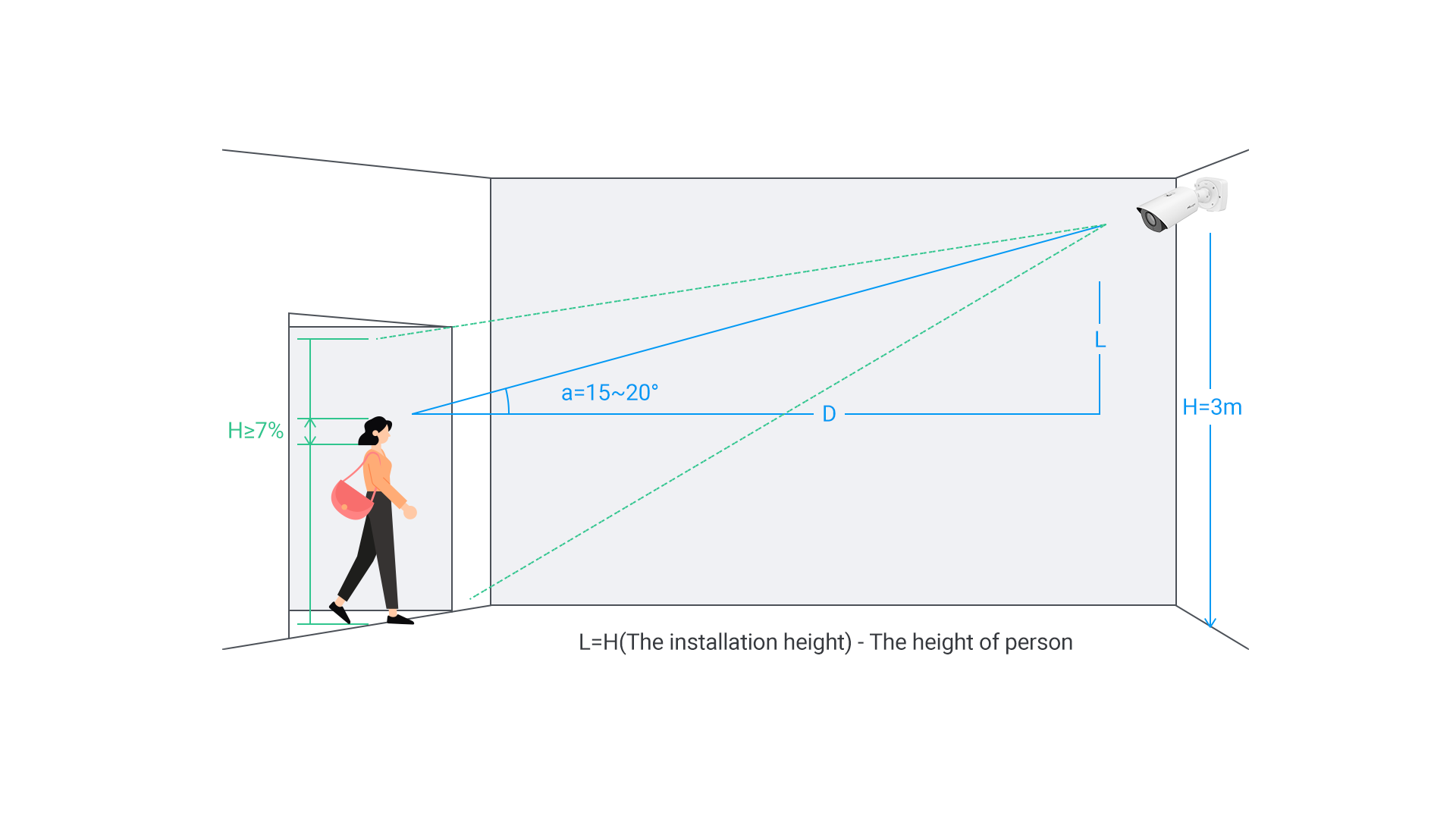
Install the camera in front of a standard passageway or entrance/exit to ensure a consistent walking direction and clear, unobstructed face capture of individuals entering or exiting.
• Installation Height
The recommended installation height for the camera is 3 meters.
• Installation Angle
Position the camera with a horizontal deflection angle of 0° to capture clear facial images. To ensure optimal facial capture, adjust the camera with a slight upward tilt at a vertical angle of approximately 15° to 20°. This setup helps clearly capture the faces of all individuals, including those further back when multiple people pass through the monitored passageway.
• Installation Distance
To ensure accurate face detection, make sure the face appears large enough in the image—ideally occupying more than 7% of the image’s vertical height.
Note:
It is recommended to use a lens with a longer focal length (preferably a motorized lens) for face recognition, as this allows faces to remain in the frame for a longer period, reducing false negative and motion blur caused by head movement.
1.1.2 Image Requirement
Select installation environments with even and sufficient lighting whenever possible. In cases of low light or backlighting, appropriate supplementary lighting is recommended to ensure that facial features remain clearly visible under all conditions.
1.2 Recommended Recognition Scenarios
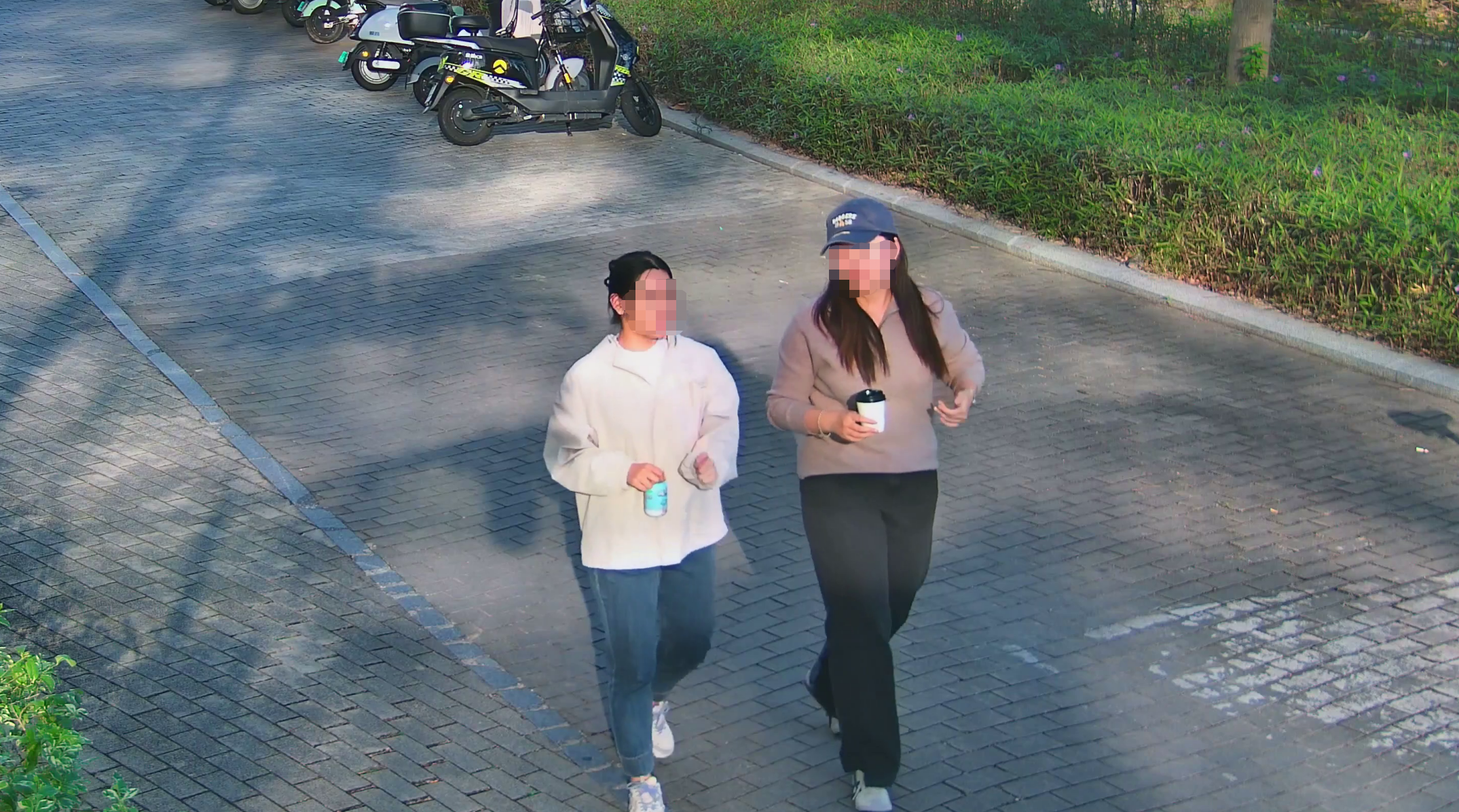
Ensure the camera is facing directly toward the passageway to clearly capture the front view of individuals entering or exiting. The scene should be evenly and brightly lit, free from backlight or strong shadows. Facial features must be unobstructed to ensure clear and detailed image capture.
1.3. Unsuitable Recognition Scenarios
1. Facial image is blurred
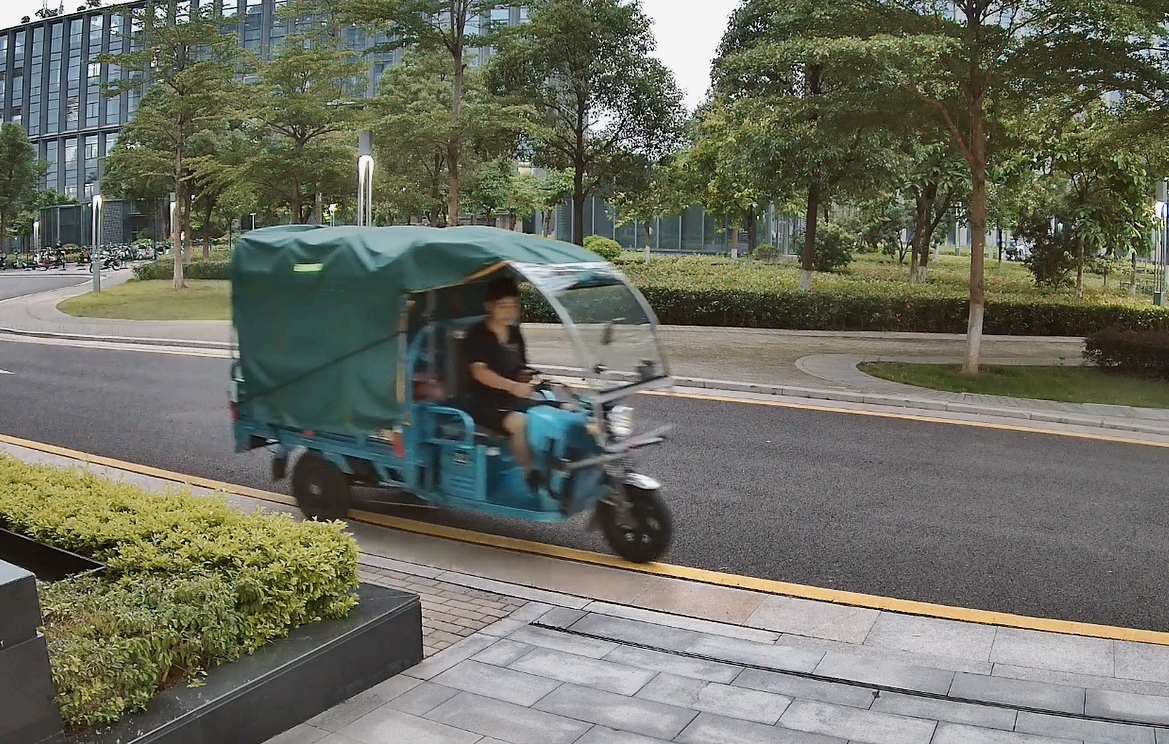
2. Face against backlight
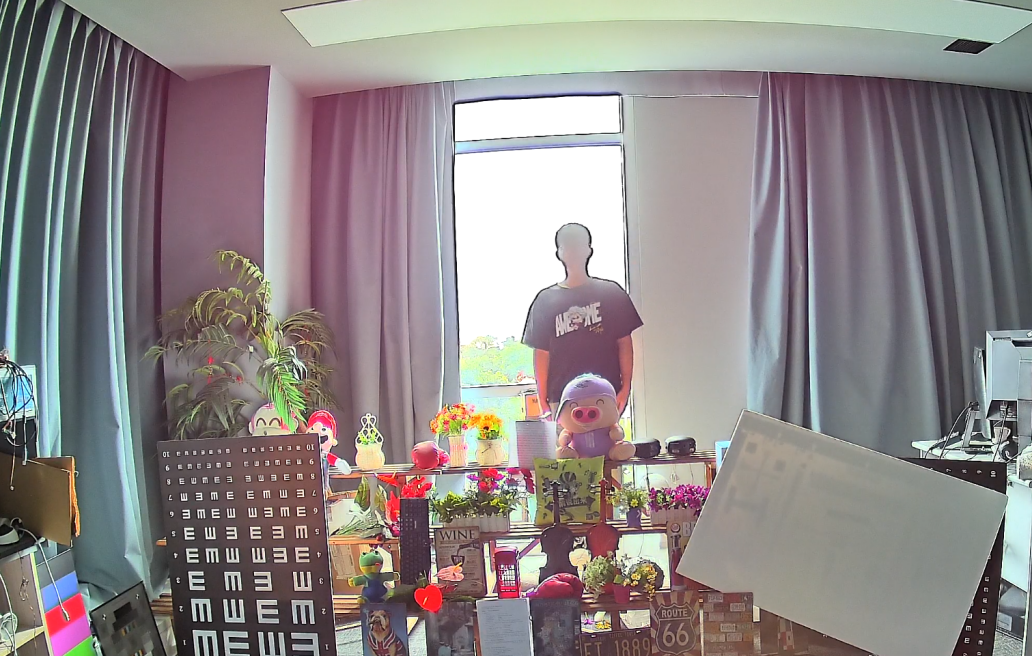
3. Face in backlight
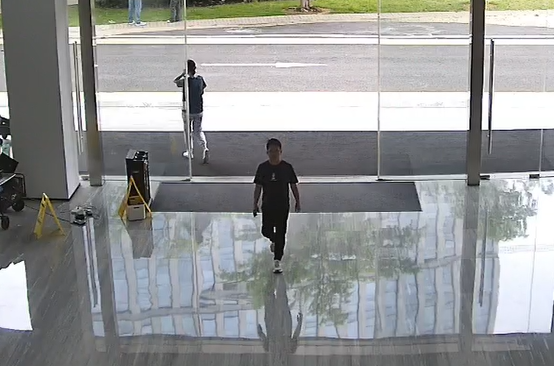
4. Face is covered
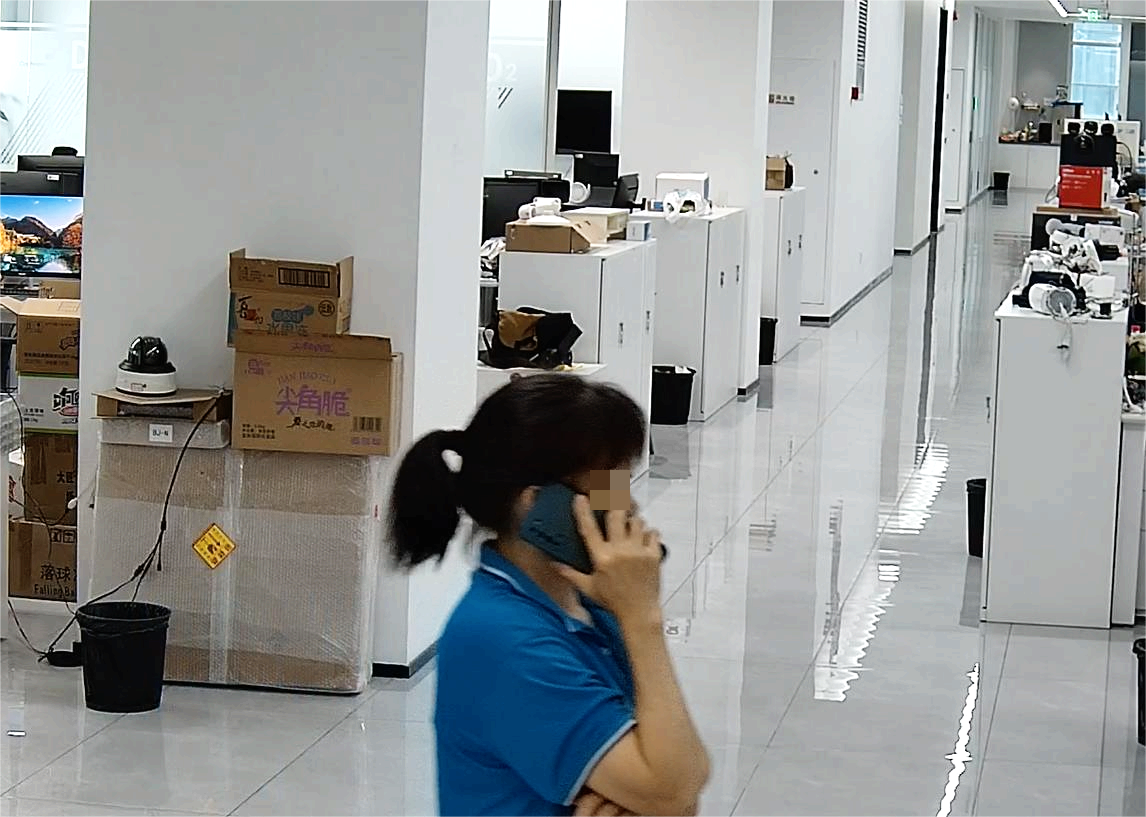
5. Excessive face yaw angle
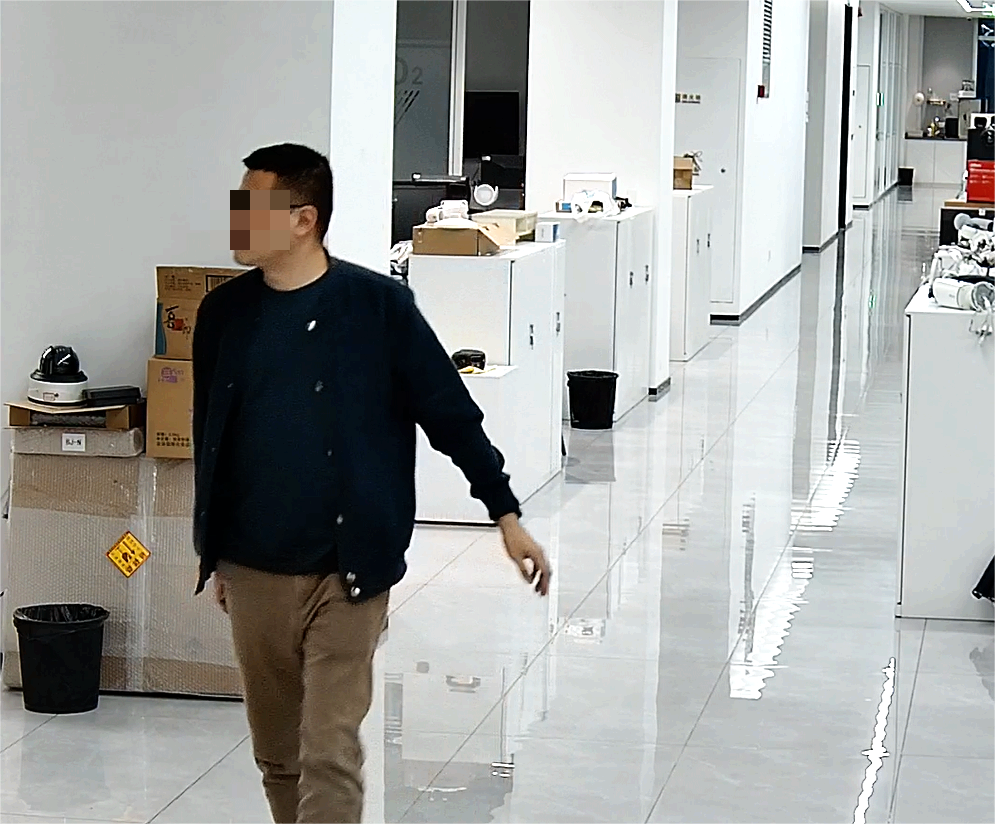
6. Insufficient lighting
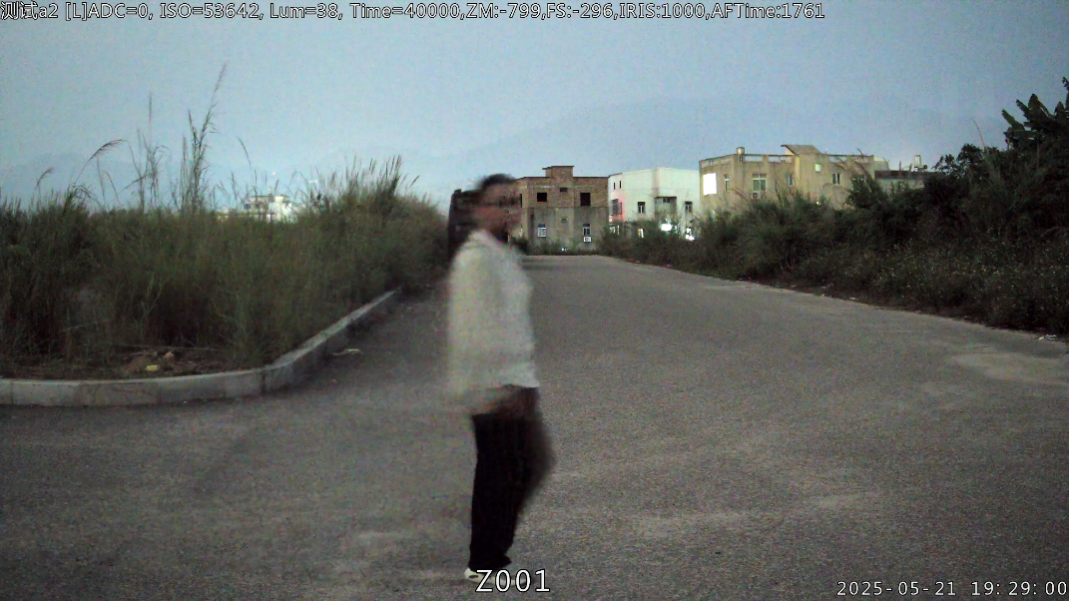
7. Face is too small / Resolution is too low
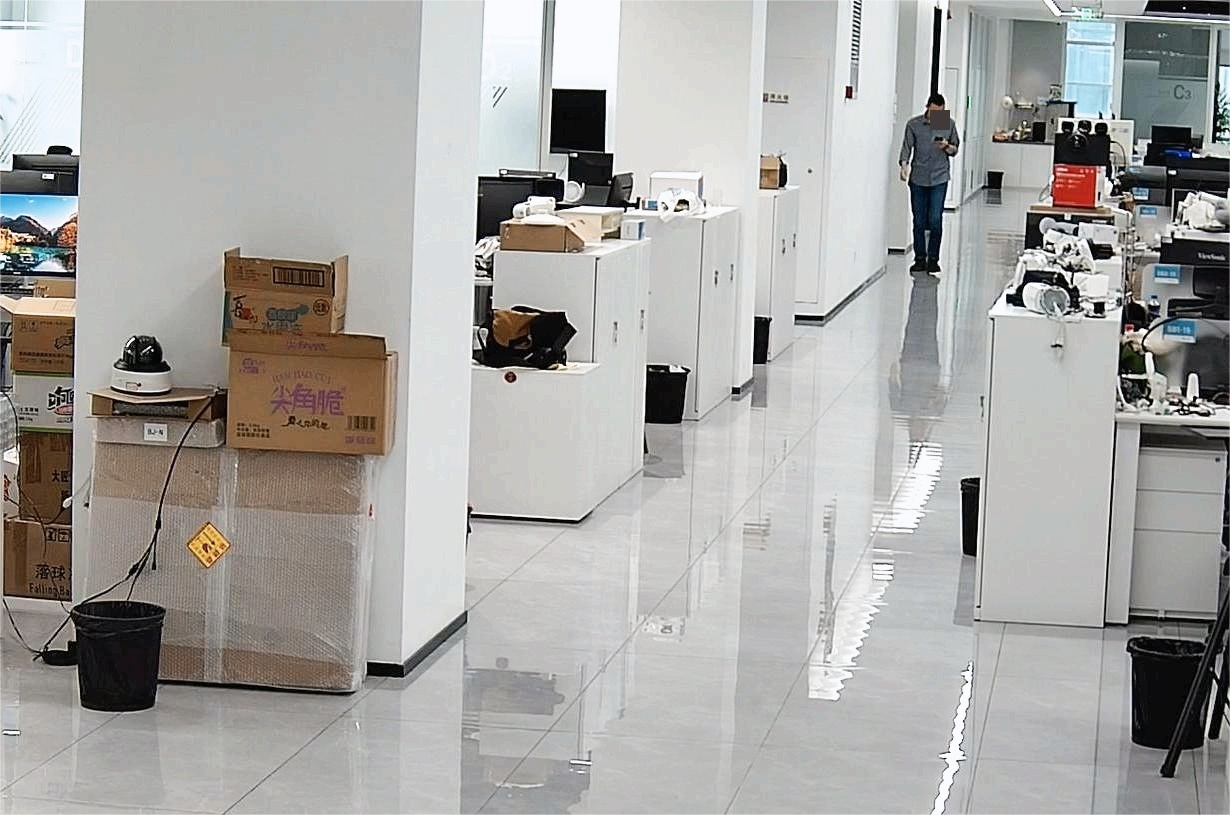
2. Fall Detection
2.1 Installation Requirements
2.1.1 Camera Install Requirements
• Height and Angle
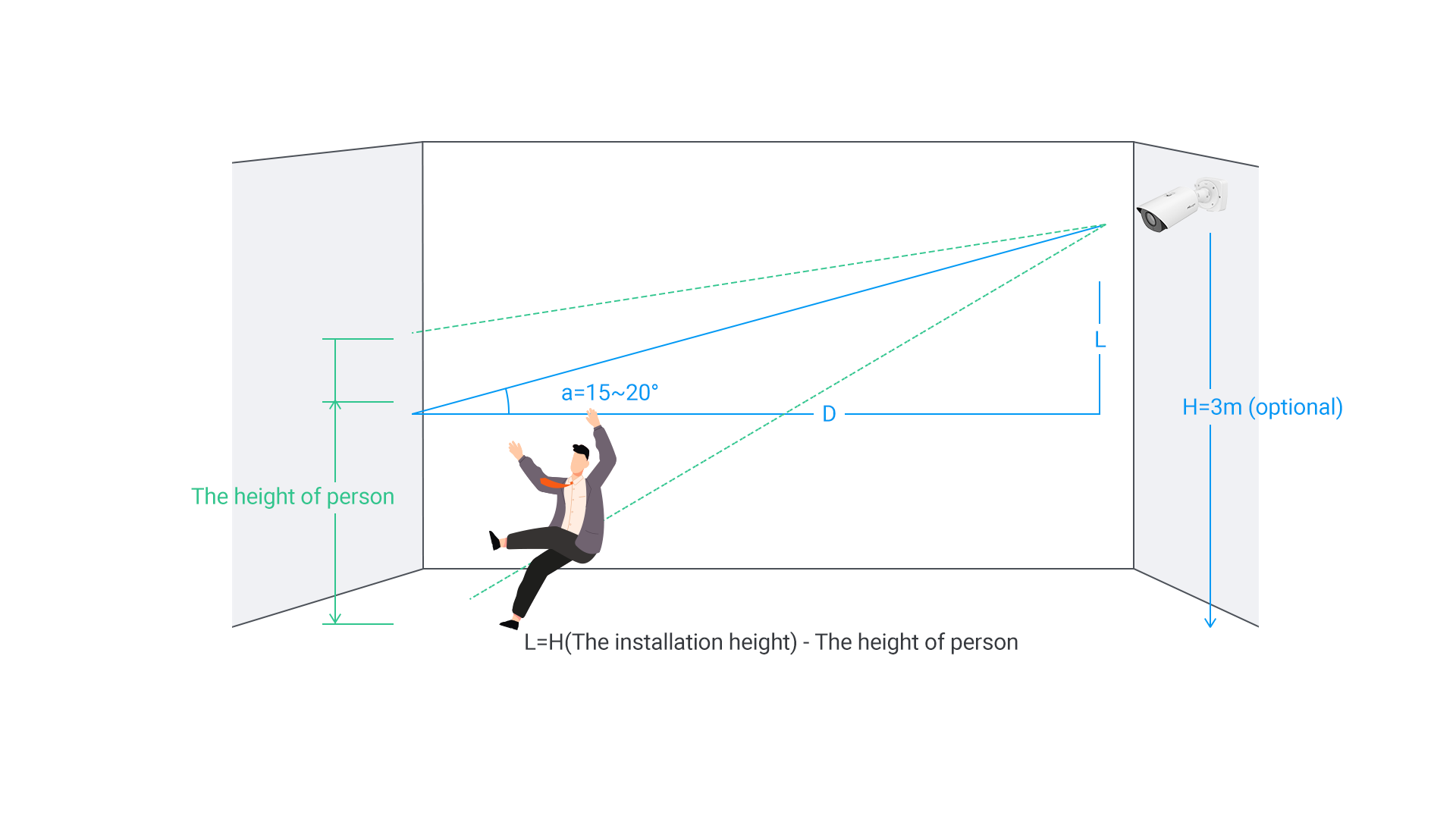
It is recommended to install the camera at a height of 3 meters with a vertical tilt angle of 15~20° (optional ranges: height 3~6m, angle 15~30°). The horizontal rotation angle should be 0°.
• Installation Distance
For optimal detection performance, the target should occupy more than 1/5 of camera’s vertical field of view.
For example, with a 2MP resolution camera equipped with a 2.7mm lens, it is recommended to install the camera at a distance of 3–10 meters from the target. The maximum supported distance for fall detection is 15 meters.
2.1.2 Image Requirement
It is highly recommended to install the camera in locations with bright and evenly distributed lighting to ensure optimal performance of the fall and violence detection functions.
Note:
Avoid installing the camera in dimly lit or visually cluttered environments, as such conditions may reduce the accuracy of AI-based human tracking, leading to missed or false detection.
2.2 Recommended Recognition Scenarios
When the target falls with no other objects obstructing the view, uniform lighting, and the person's height occupying 1/5 of the camera viewing height, the following scenario achieves optimal recognition performance:
1. The person falls nearly horizontally with their back facing the camera
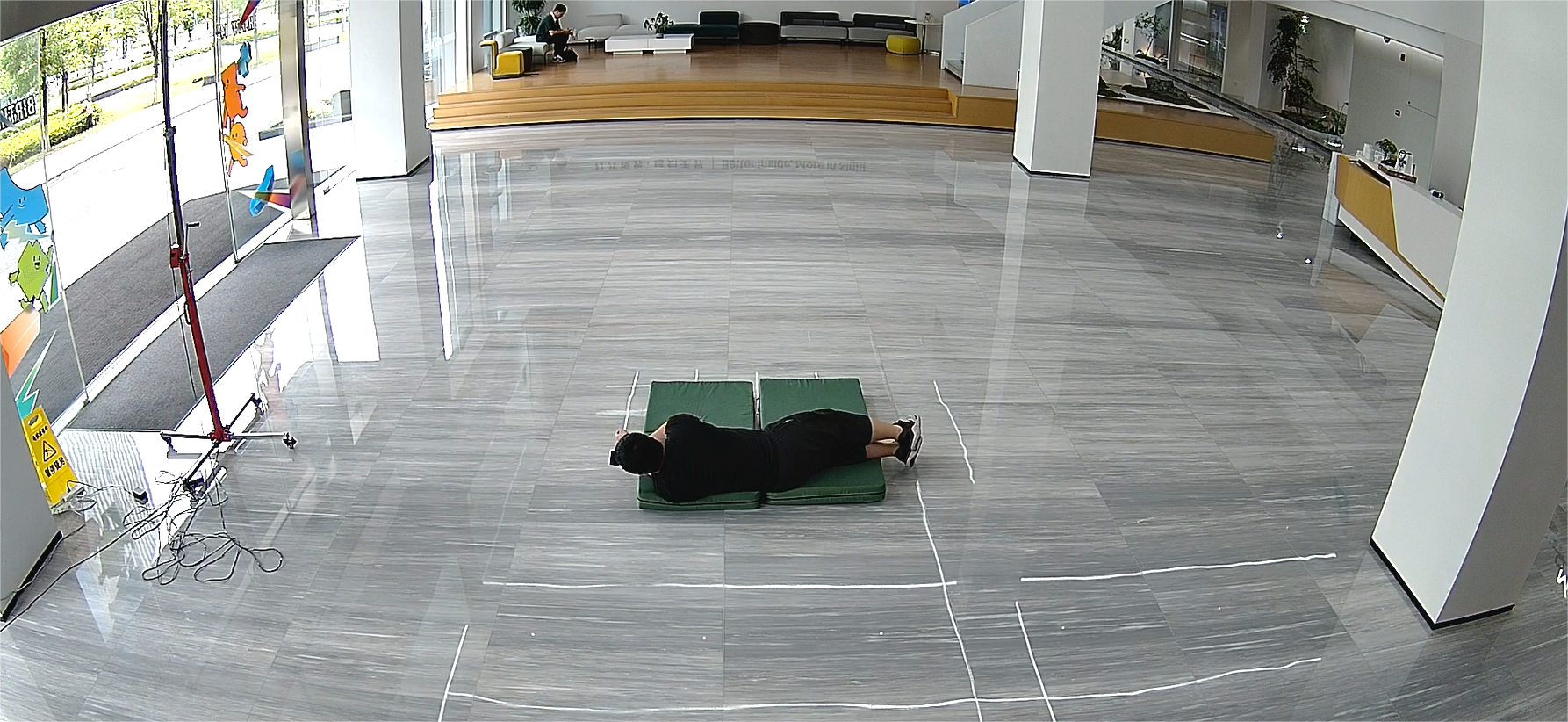
2. The person falls nearly vertically with their back facing the camera
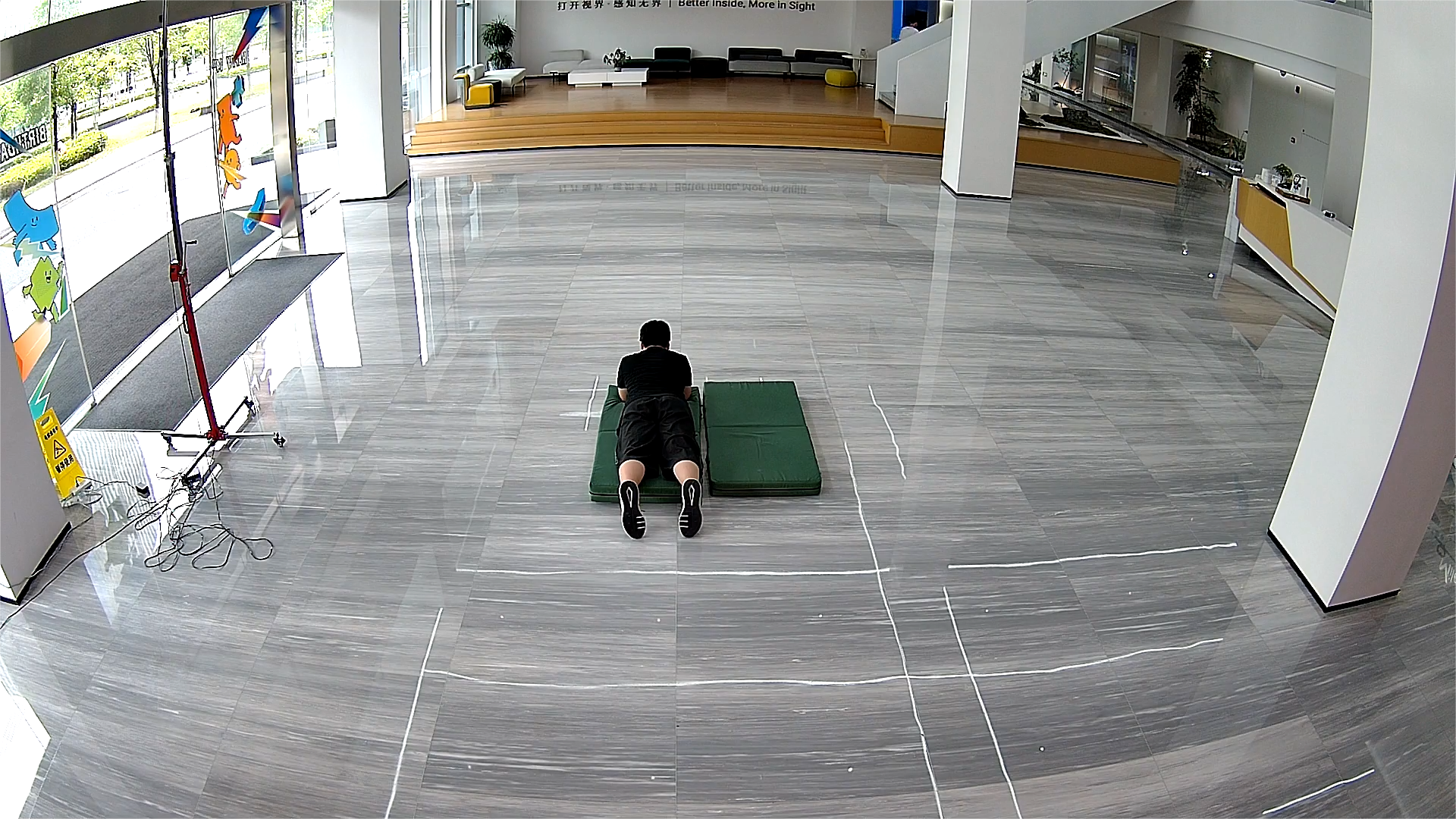
3. Lying flat with the shoulder facing the camera
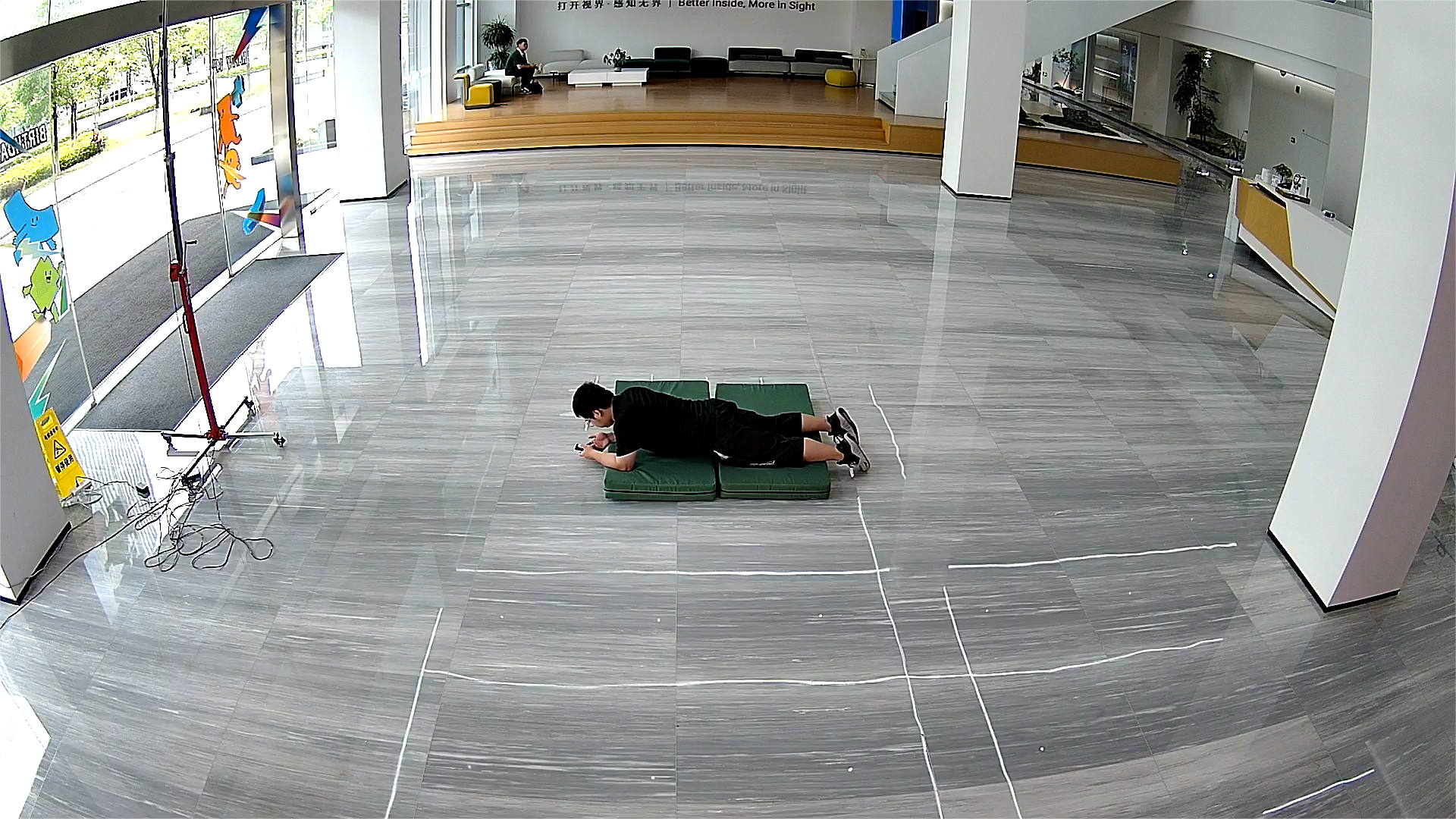
4. Lying on the side with the shoulder facing the camera
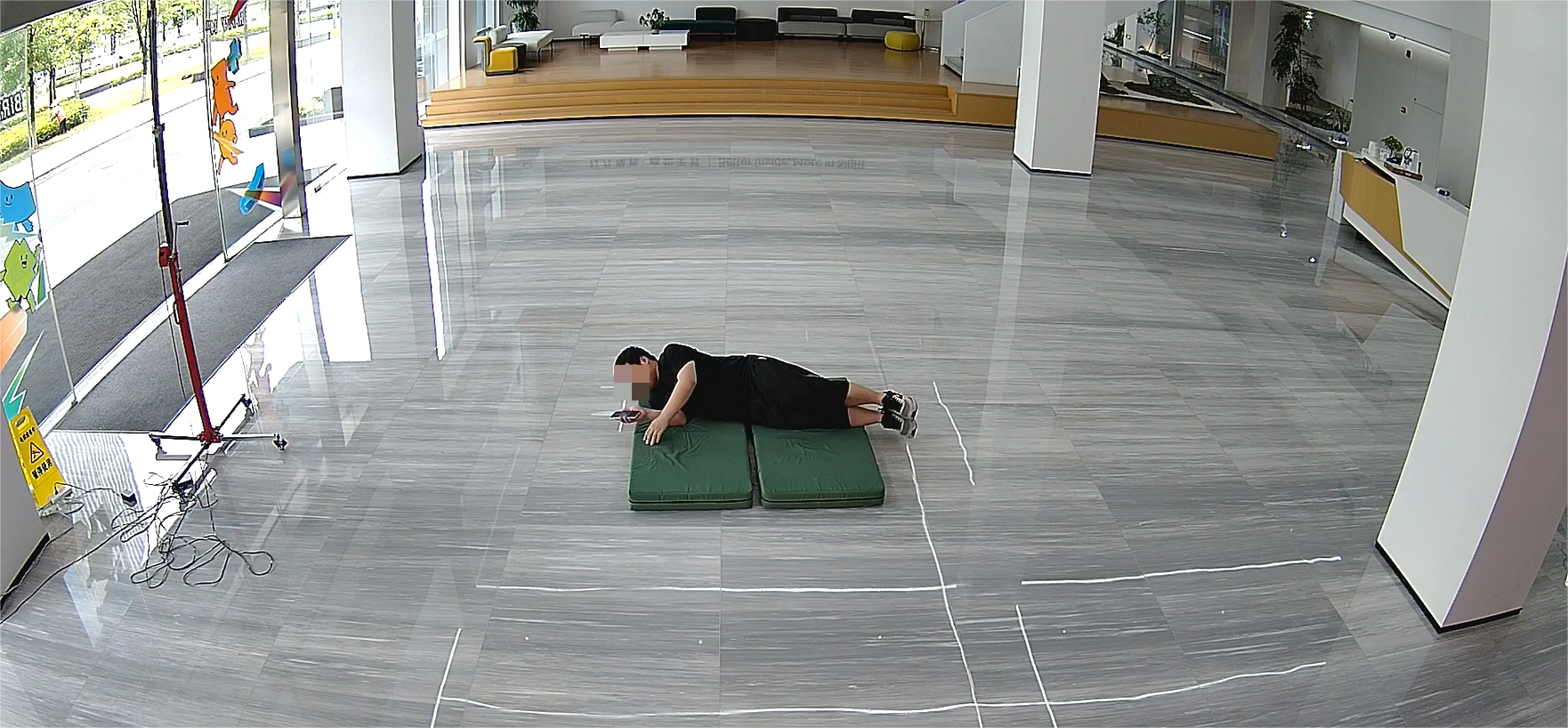
5. Lying flat with the face facing the camera
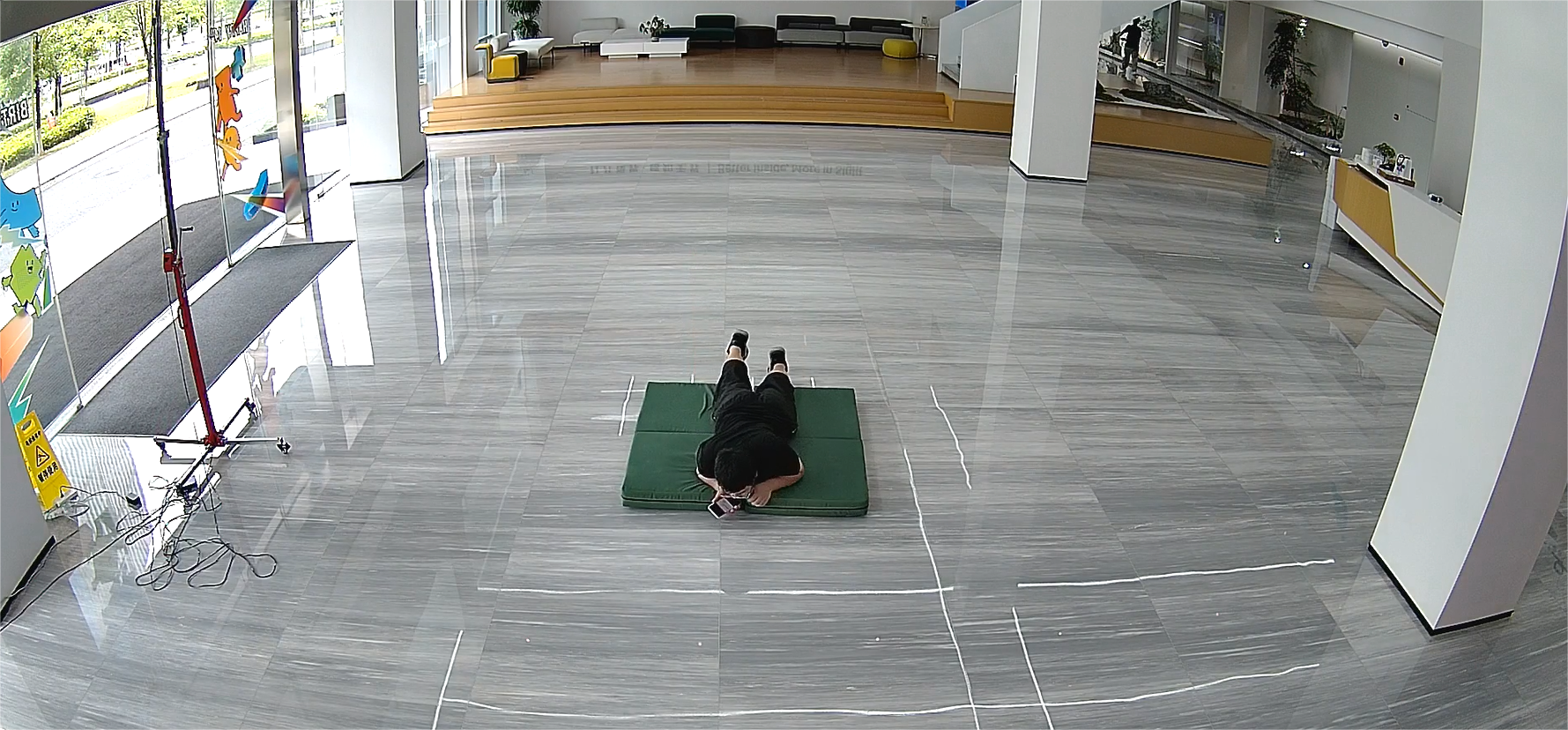
6. Lying on the side with the face facing the camera
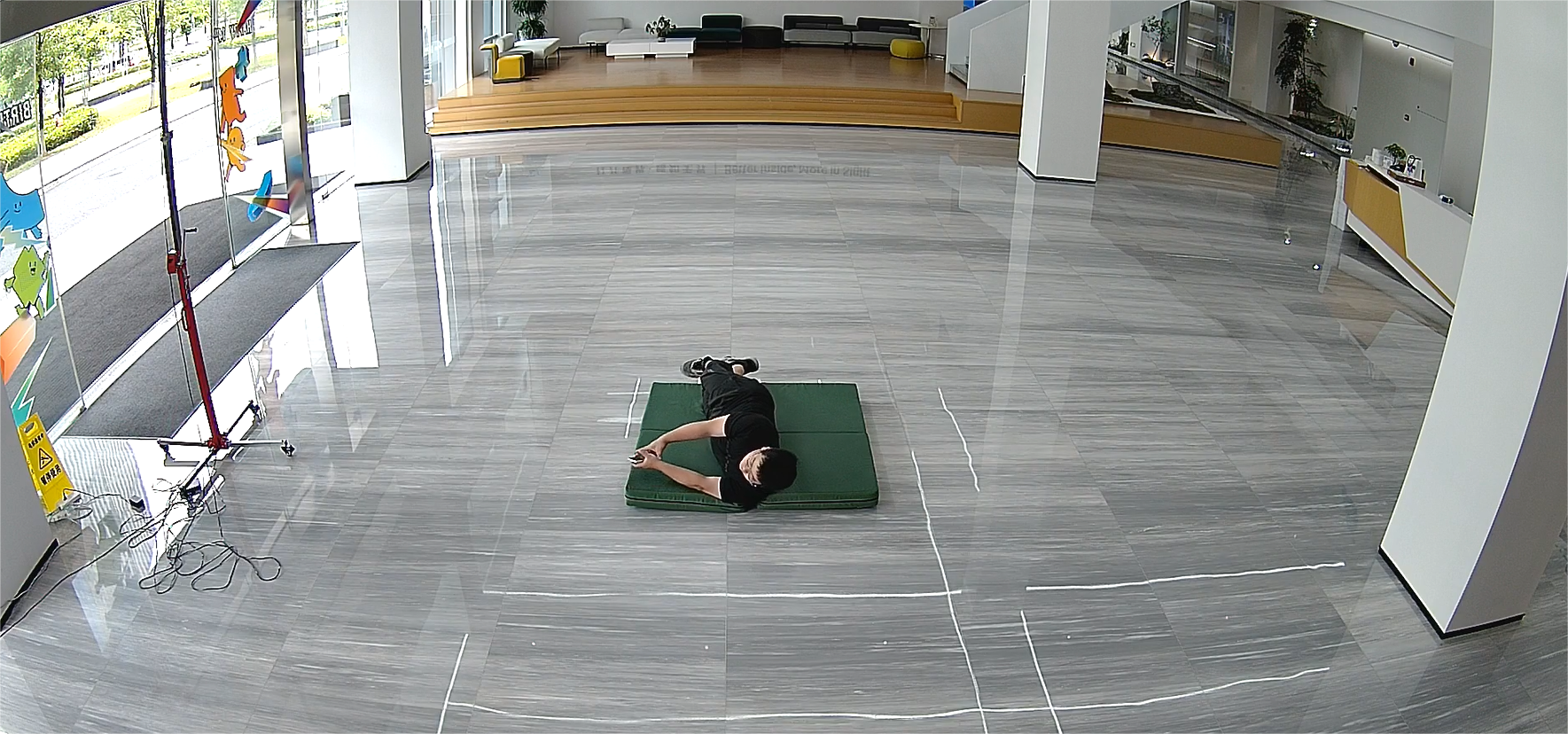
2.3 Unsuitable Recognition Scenarios
1. The target’s body is incomplete, occluded, or overlapping in the frame.
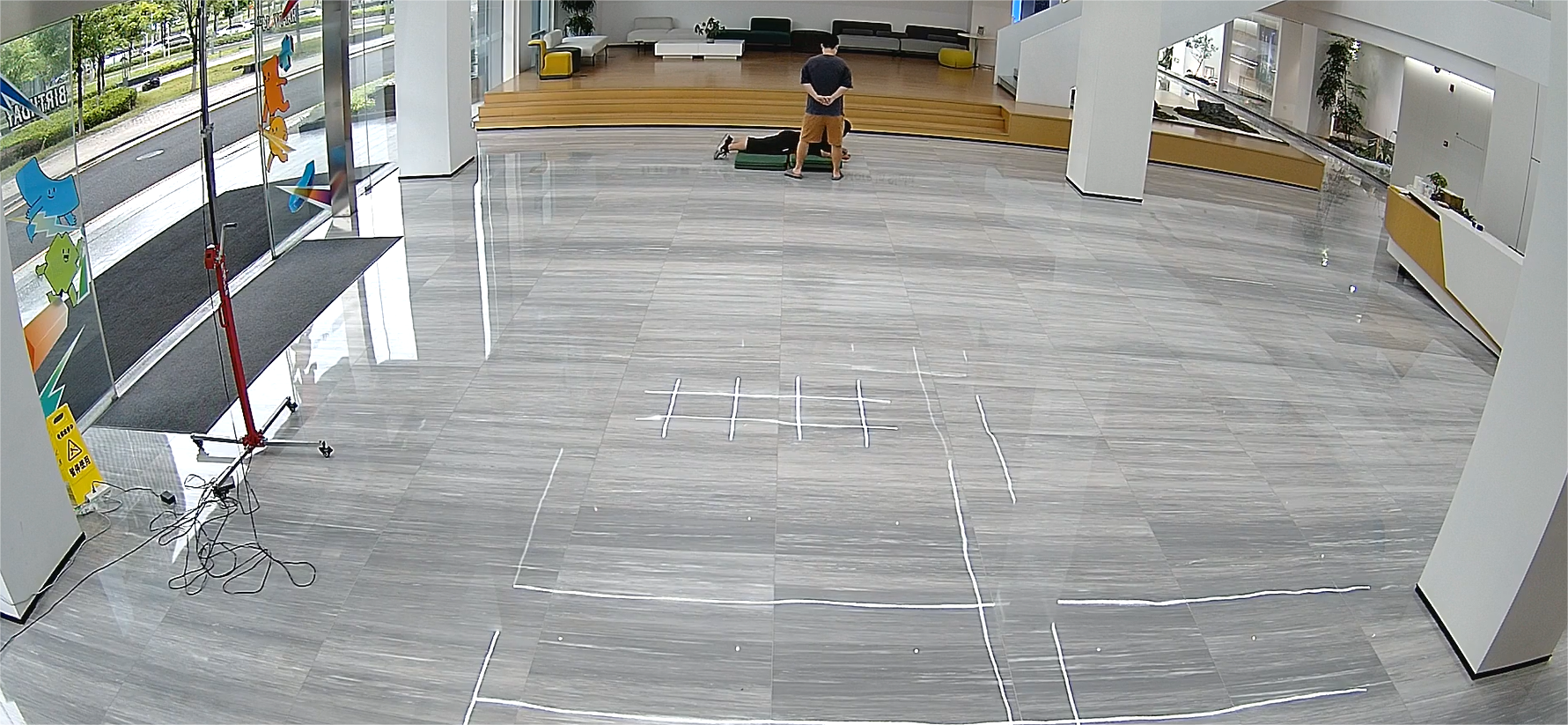
2. The target appears too small in the image, the resolution is insufficient, or the image is blurred — all of which may lead to detection failure.
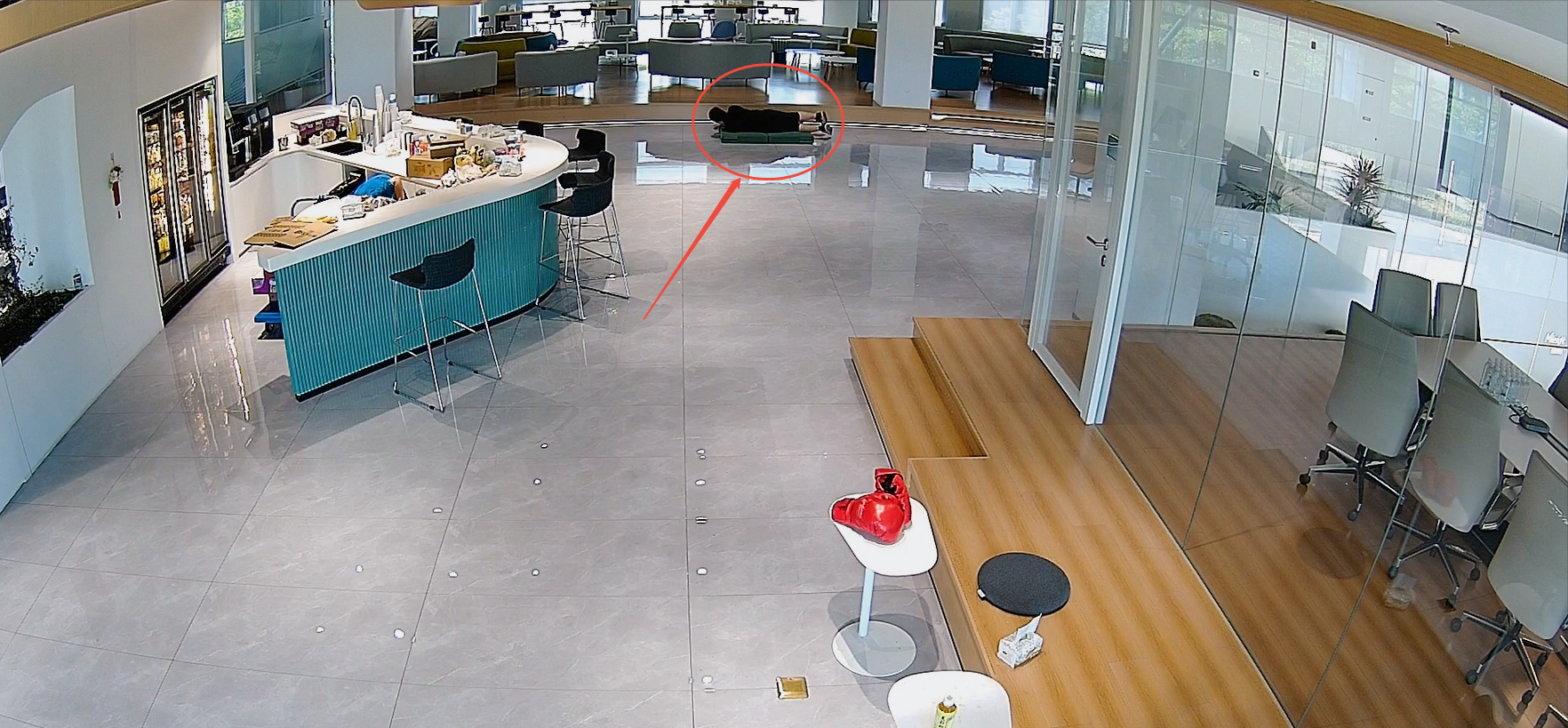
3. The body is curled up, making human features indistinguishable.
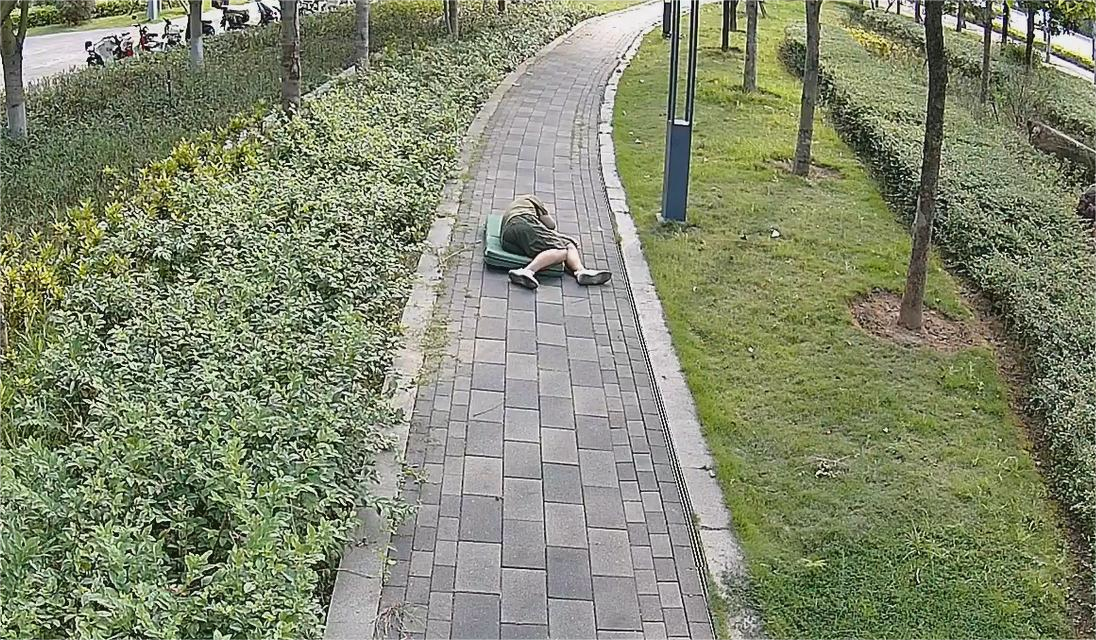
4. A person falling in the middle of a staircase looks similar to a person standing in the image.
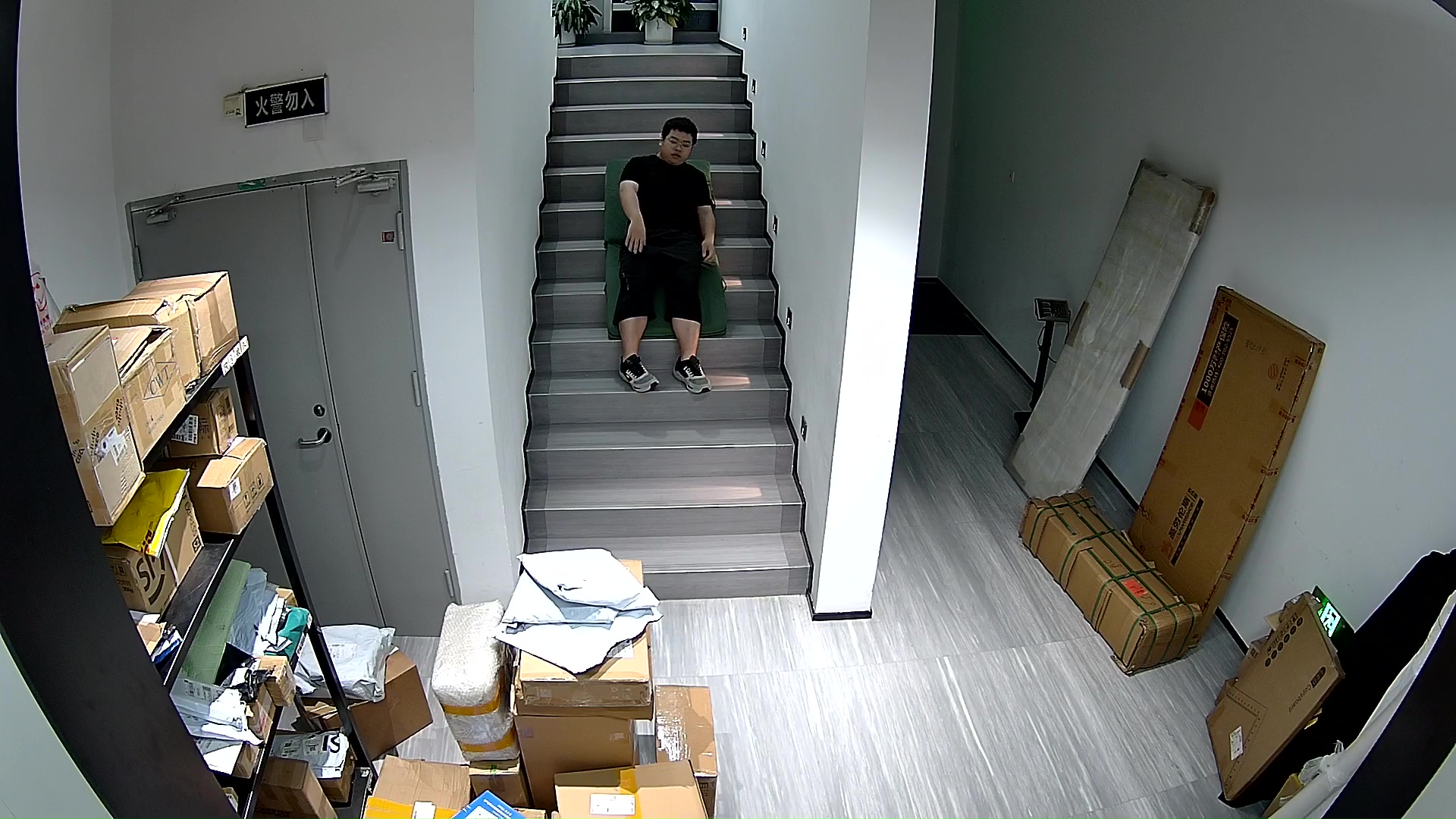
3. Violence Detection
3.1 Installation Requirements
3.1.1 Camera Install Requirements
• Height and Angle
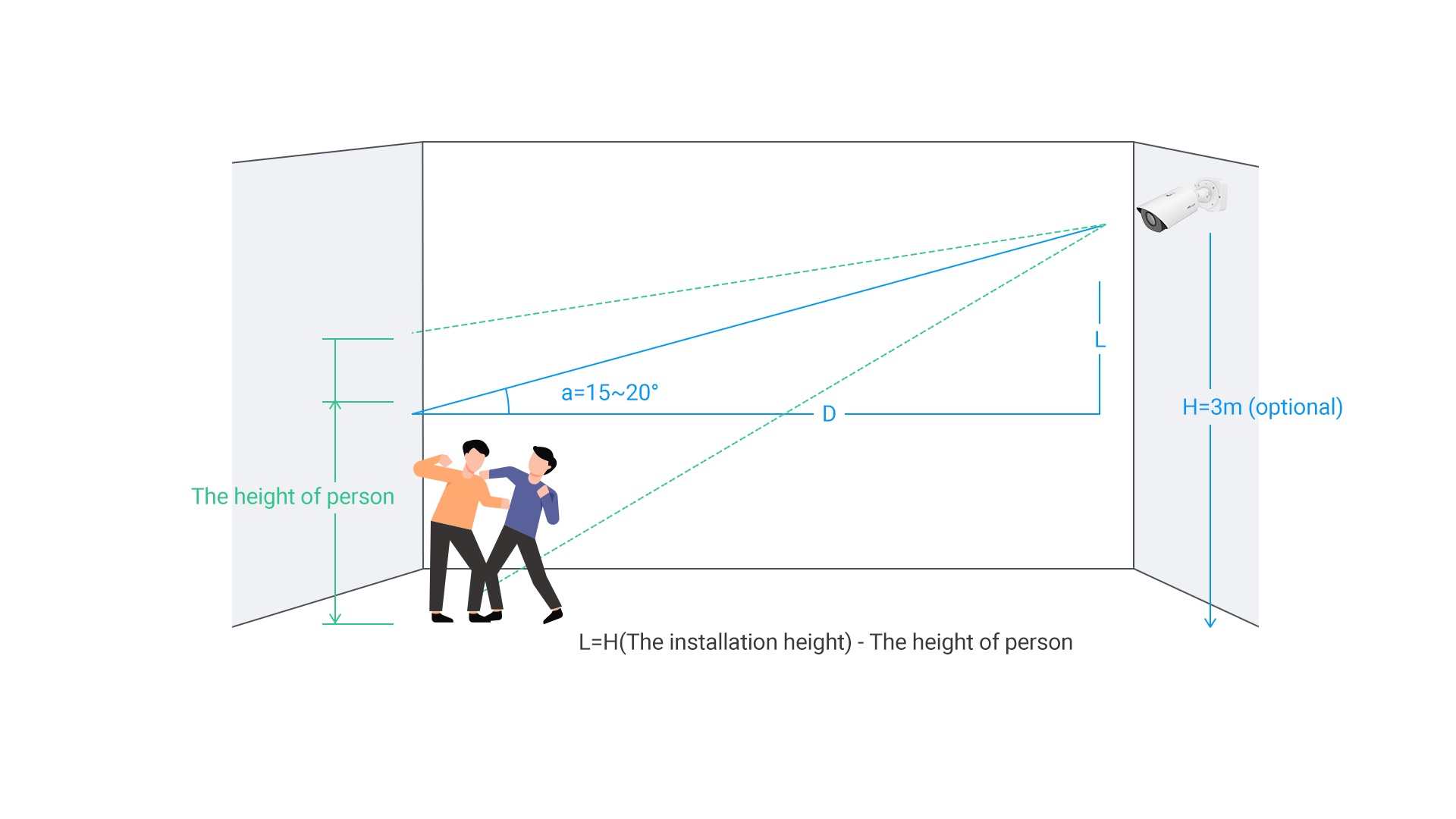
It is recommended to install the camera at a height of 3 meters with a vertical tilt angle of 15~20° (optional ranges: height 3~6m, angle 15~30°). The horizontal rotation angle should be 0°.
• Installation Distance
For optimal detection performance, the target should occupy more than 1/5 of camera’s vertical field of view.
For example, with a 2MP resolution camera equipped with a 2.7mm lens, it is recommended to install the camera at a distance of 3–10 meters from the target. The maximum supported distance for fall detection is 15 meters.
3.1.2 Image Requirement
It is highly recommended to install the camera in locations with bright and evenly distributed lighting to ensure optimal performance of the fall and violence detection functions.
Note:
Avoid installing the camera in dimly lit or visually cluttered environments, as such conditions may reduce the accuracy of AI-based human tracking, leading to missed or false detection.
3.2 Recommended Recognition Scenarios
When people are not entangled or overlapping, and there is no occlusion by other objects, with even lighting and each person occupying at least 1/5 of the camera viewing height, the scenarios can be detected with optimal performance. The more people involved in a fight, the easier it is to detect.
Note:
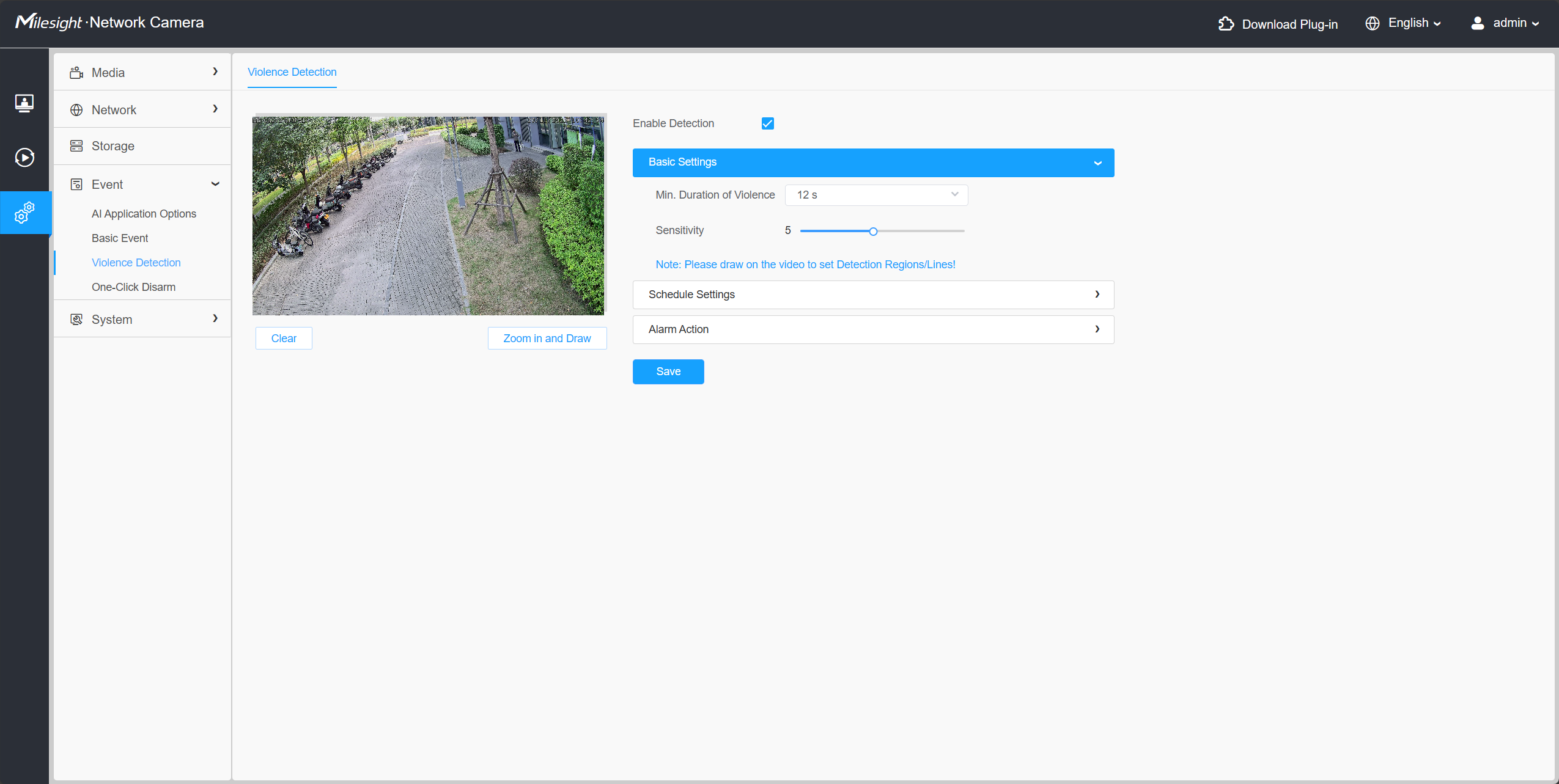
It is recommended to set the Min. Duration of Violence to 12 seconds for violence detection, as this can help reduce missed or false detection. If you feel the detection is too slow, you may shorten the detection time appropriately.
For sensitivity, it is advised to use the default value of 5. If you find that detection is not effective enough, you can increase the sensitivity as needed. Please note that shortening the detection time and increasing sensitivity may help detect targets more quickly and easily, but it may also increase the likelihood of false alarms.
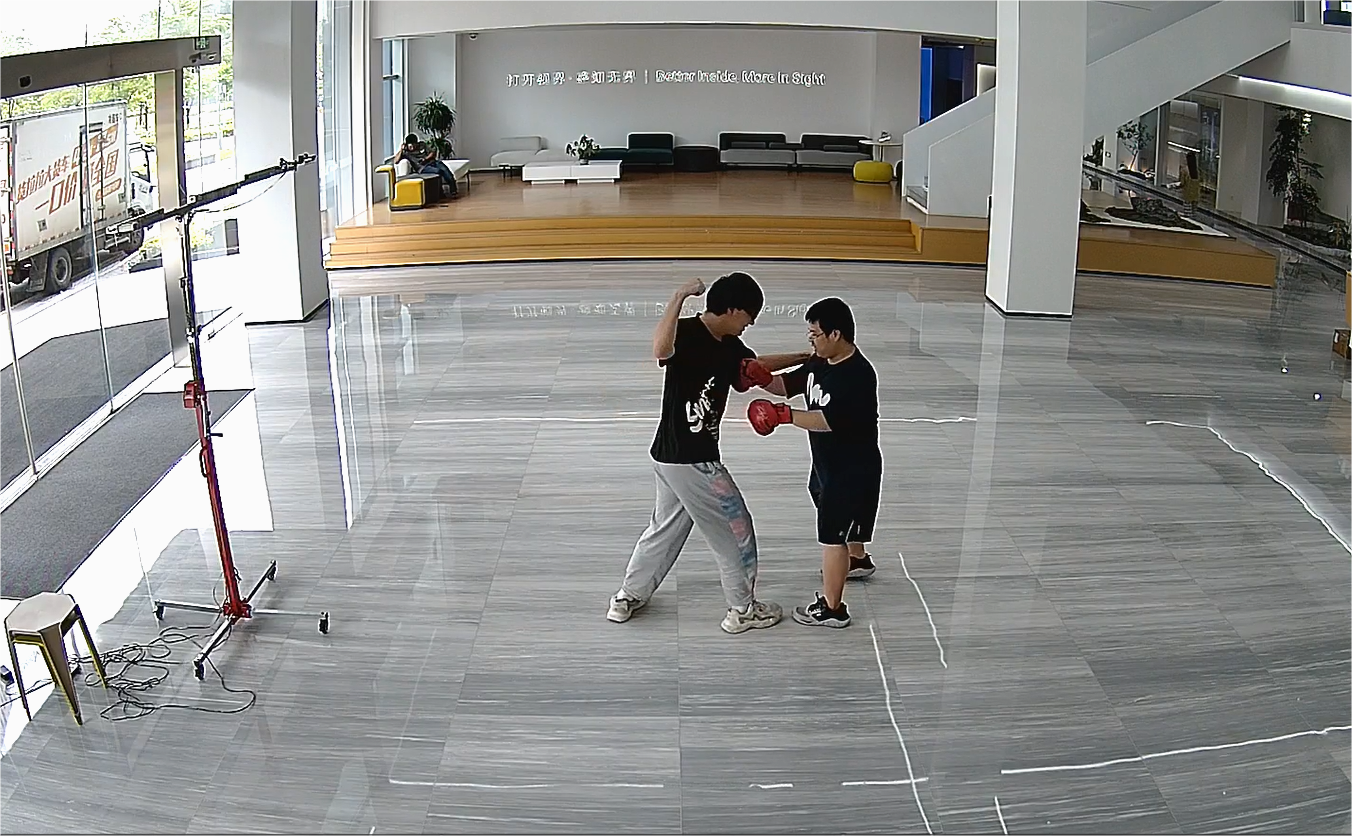
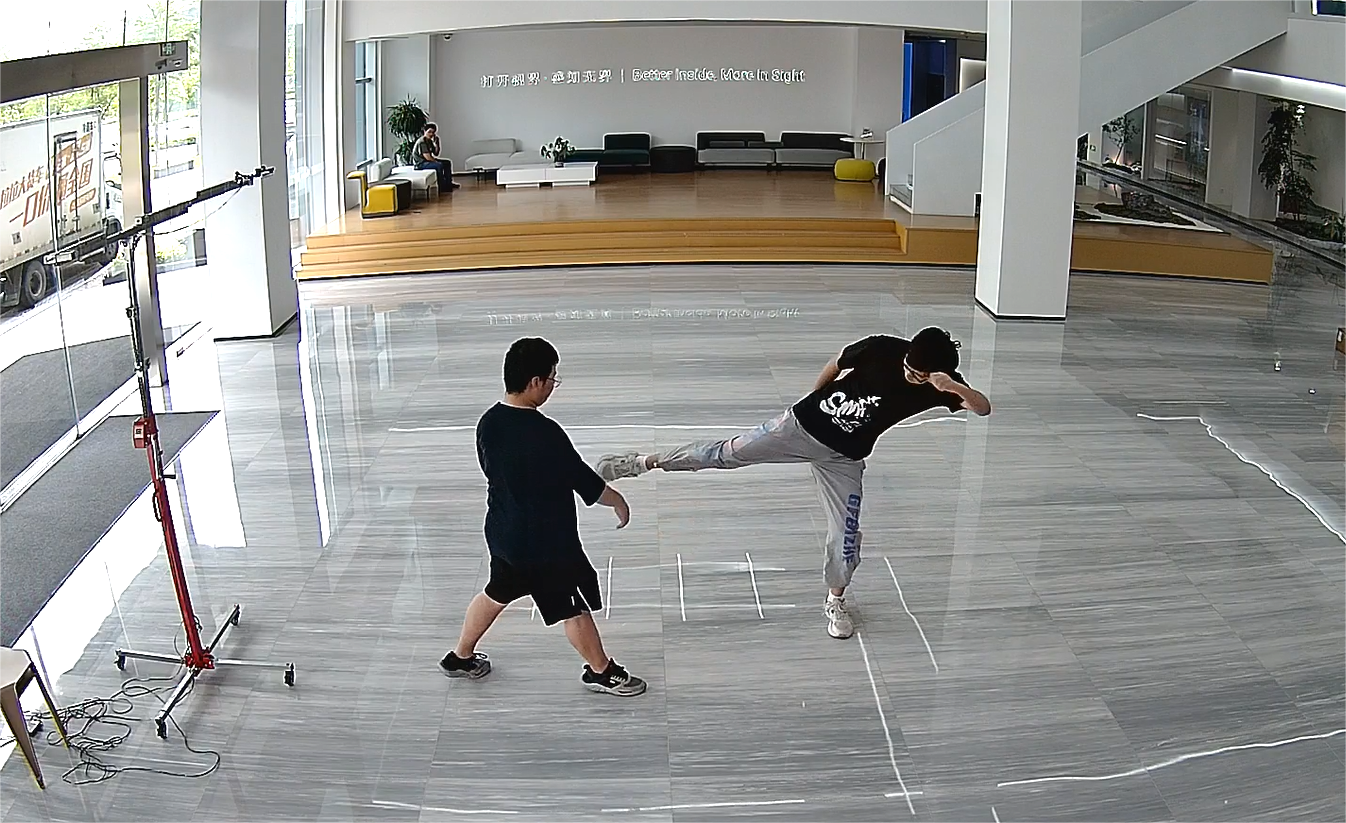
The following are illustrations of the recommended recognition scenarios:
1. Boxing
2. Kicking
3. Knee Strike
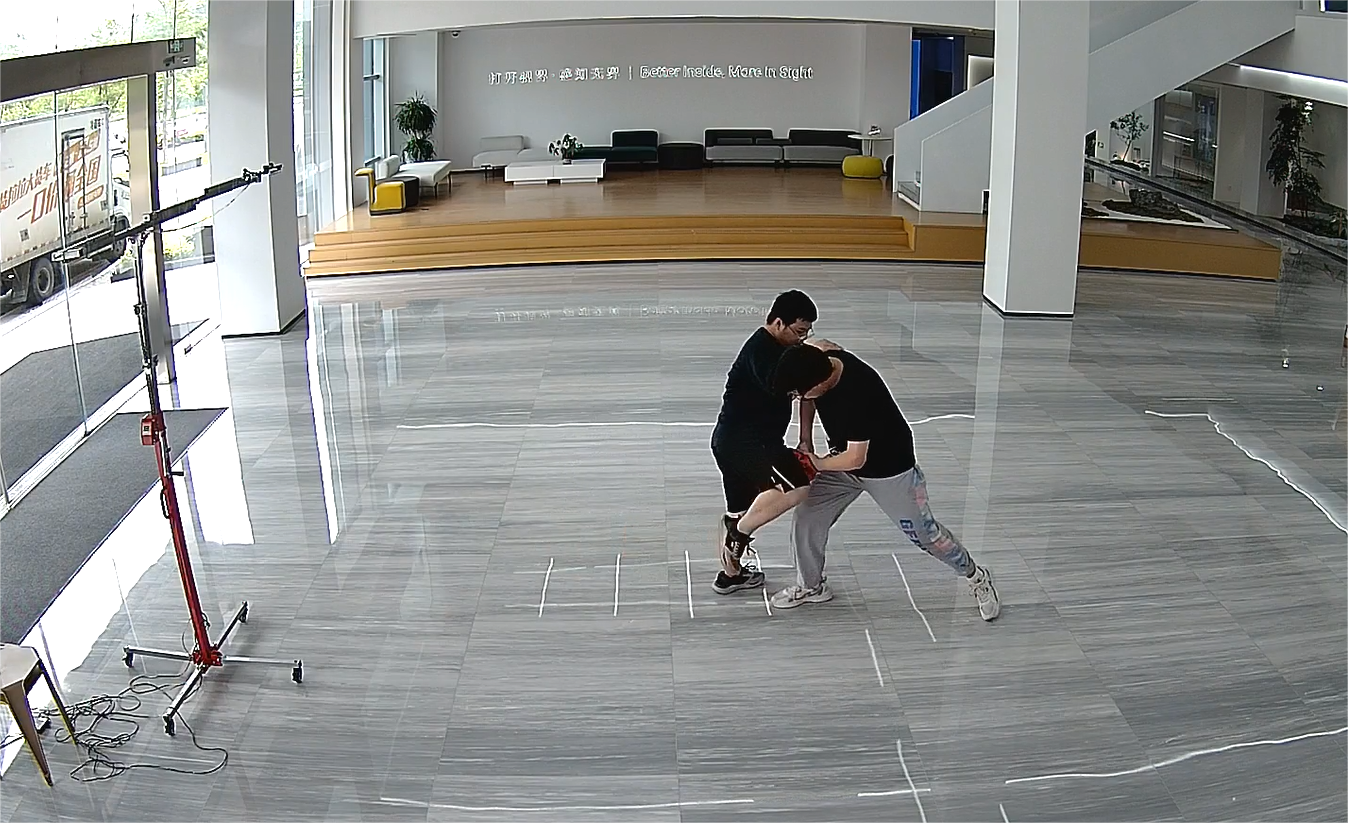
4. Striking
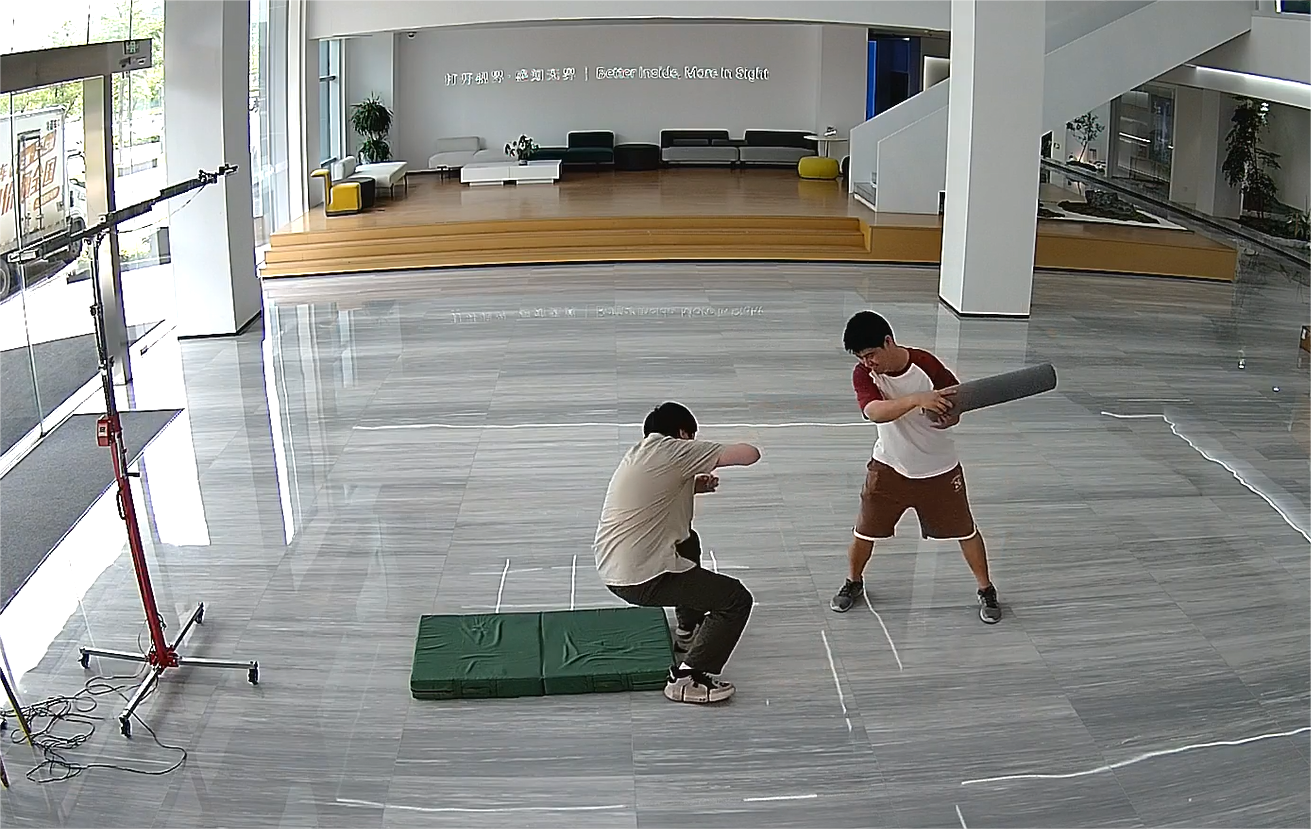
5. Elbow Strike
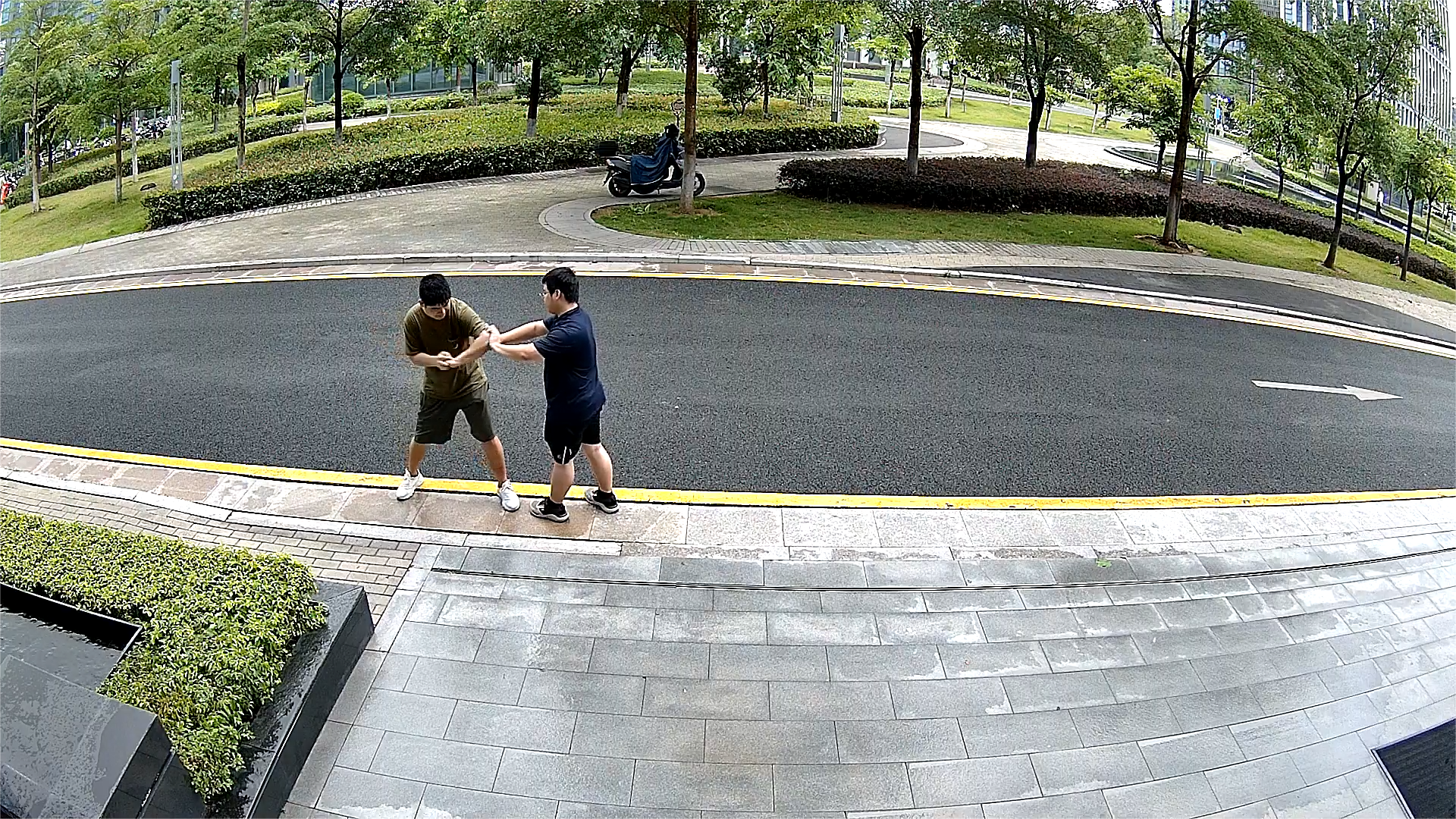
6. Continuous Violent Pushing
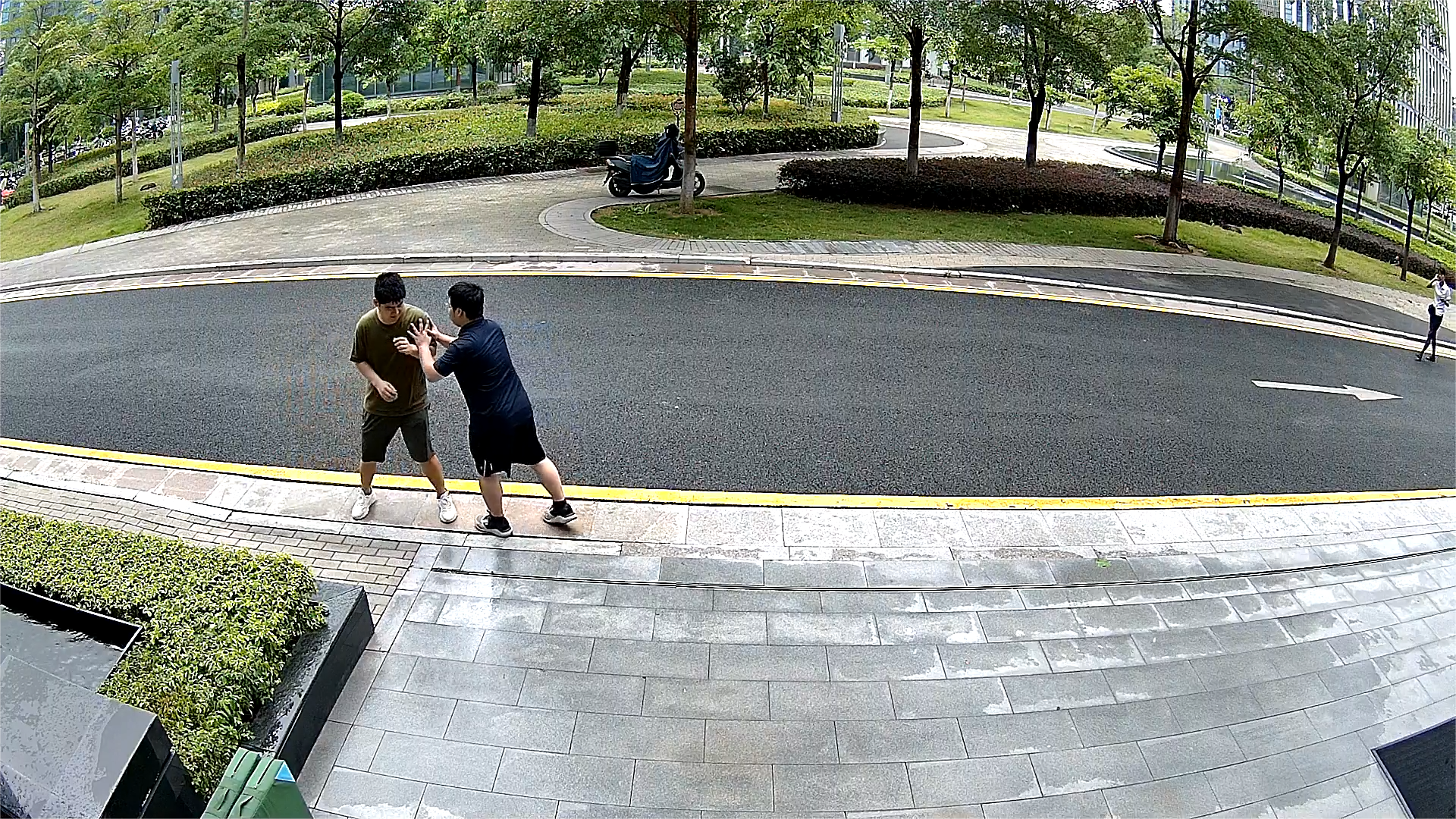
3.3 Unsuitable Recognition Scenarios
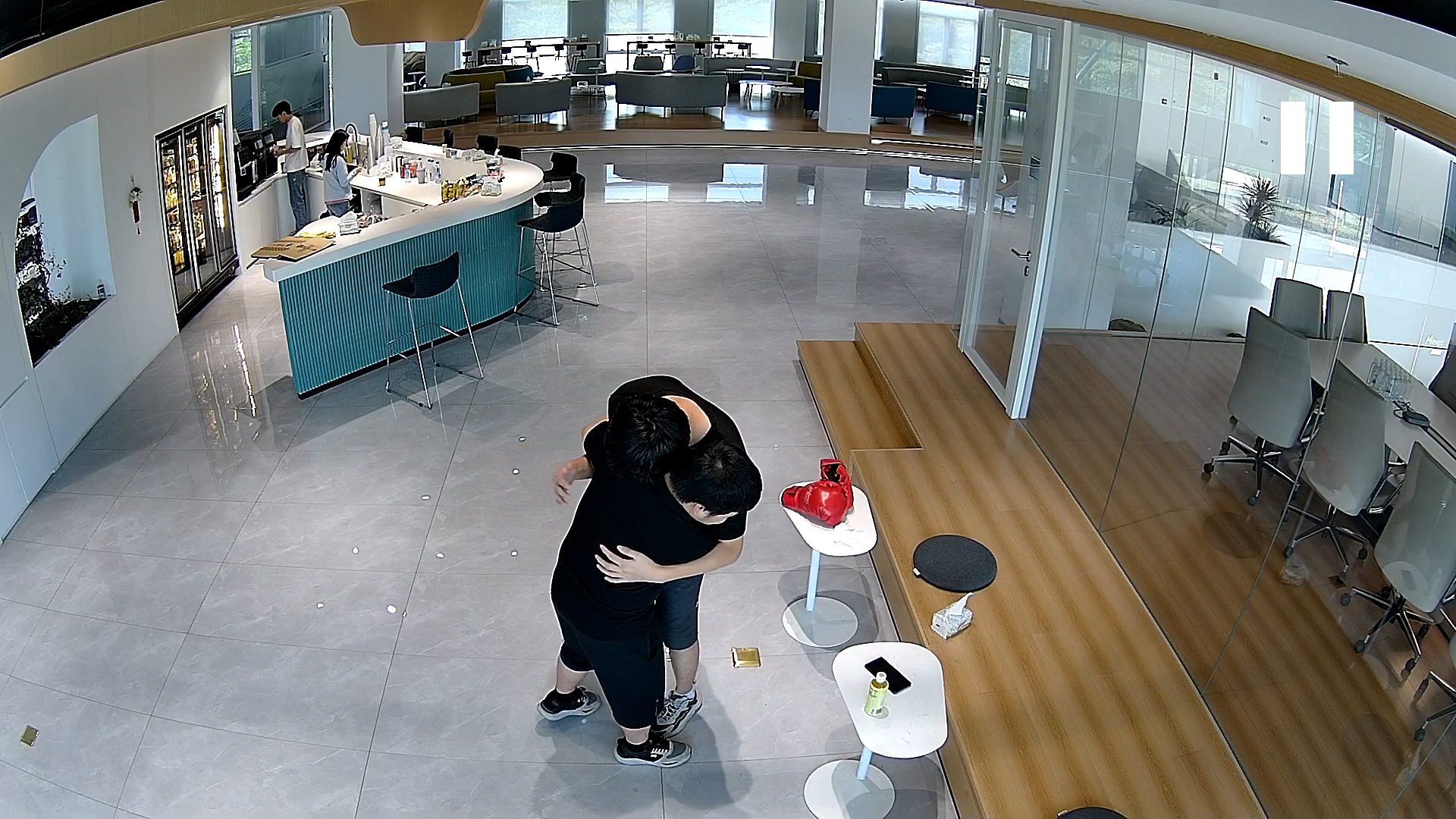
1. When targets are occluded or overlapped, such as two people entangled or overlapping during a fight, it may not be possible to detect both targets accurately, making it difficult to determine violent behavior.
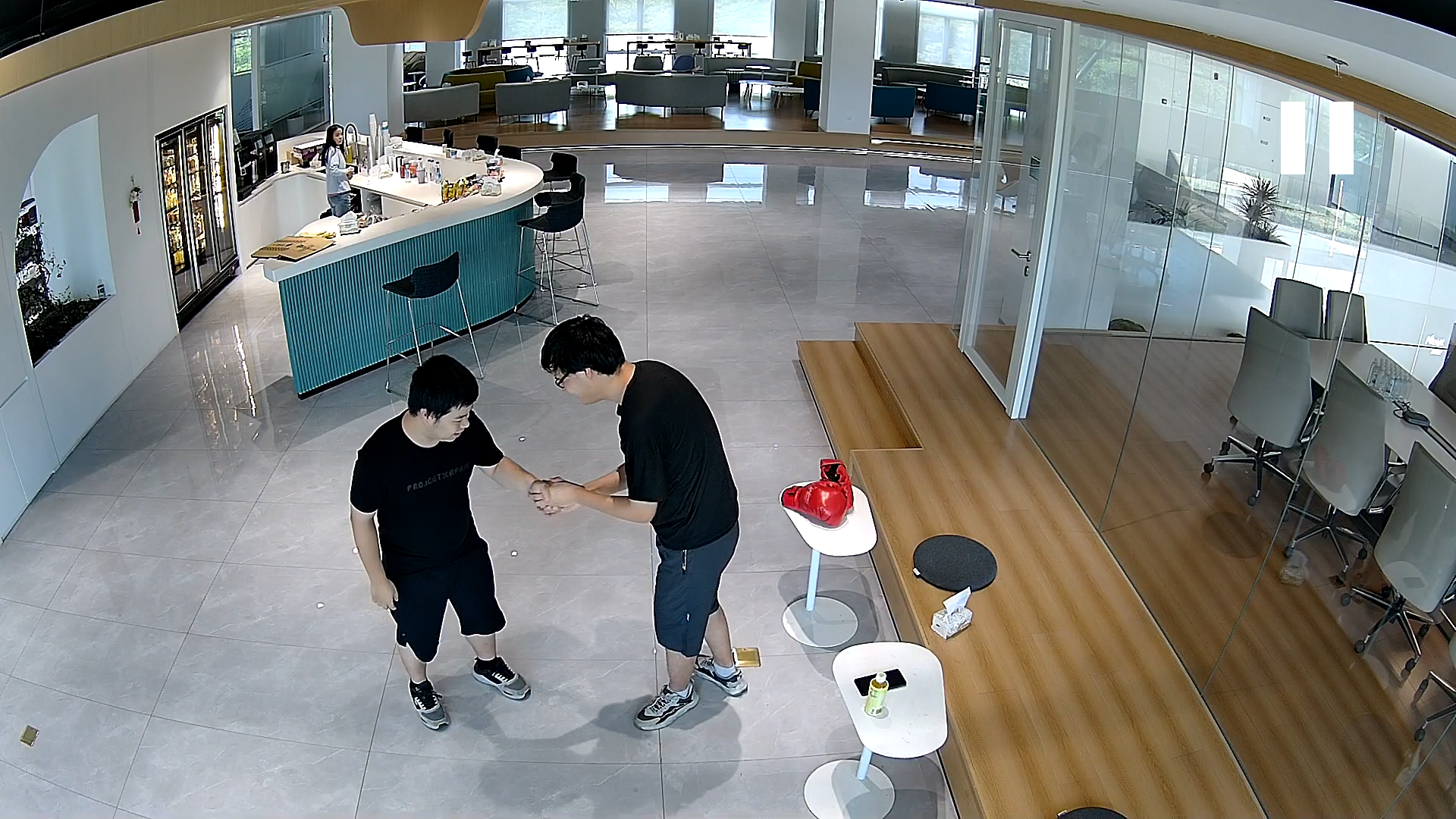
2. If the actions are overly unrealistic or have small movement amplitude, alarms may not be triggered in order to avoid false positives.
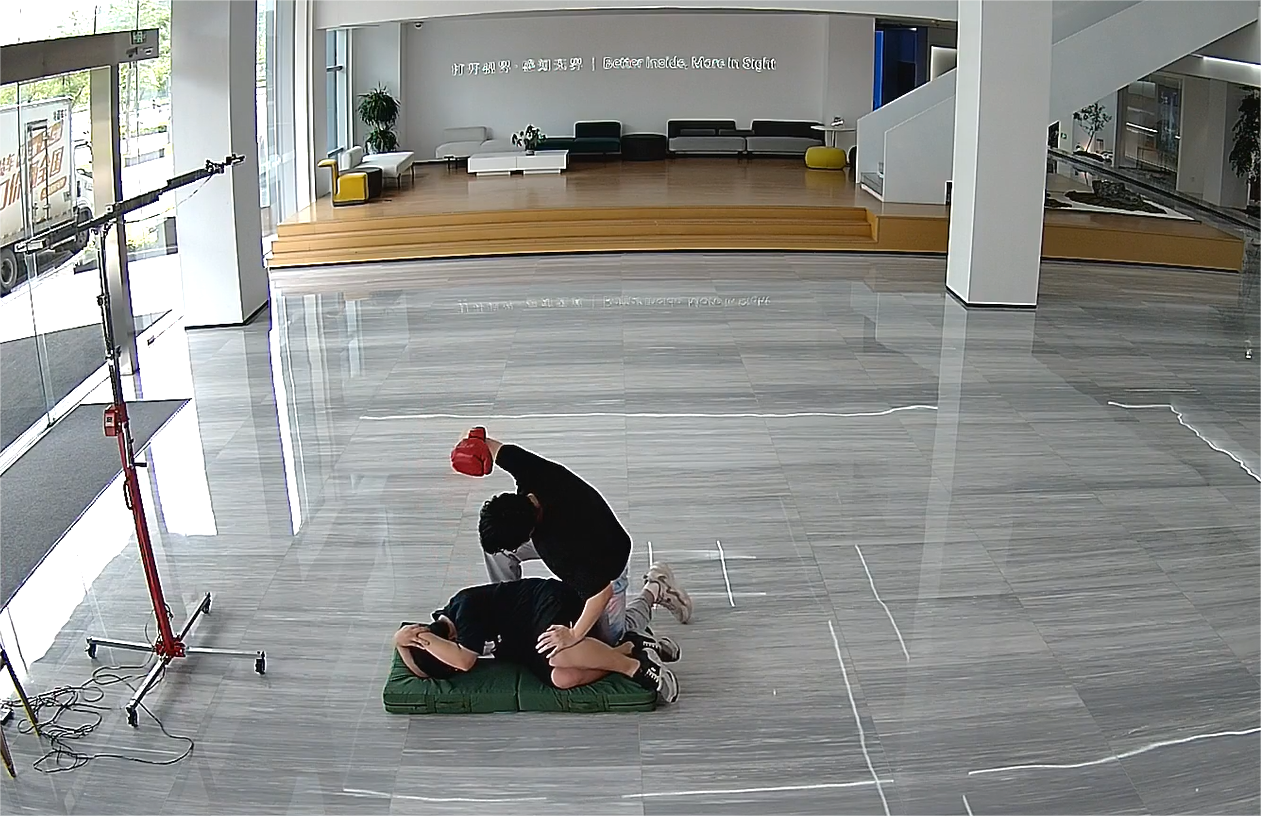
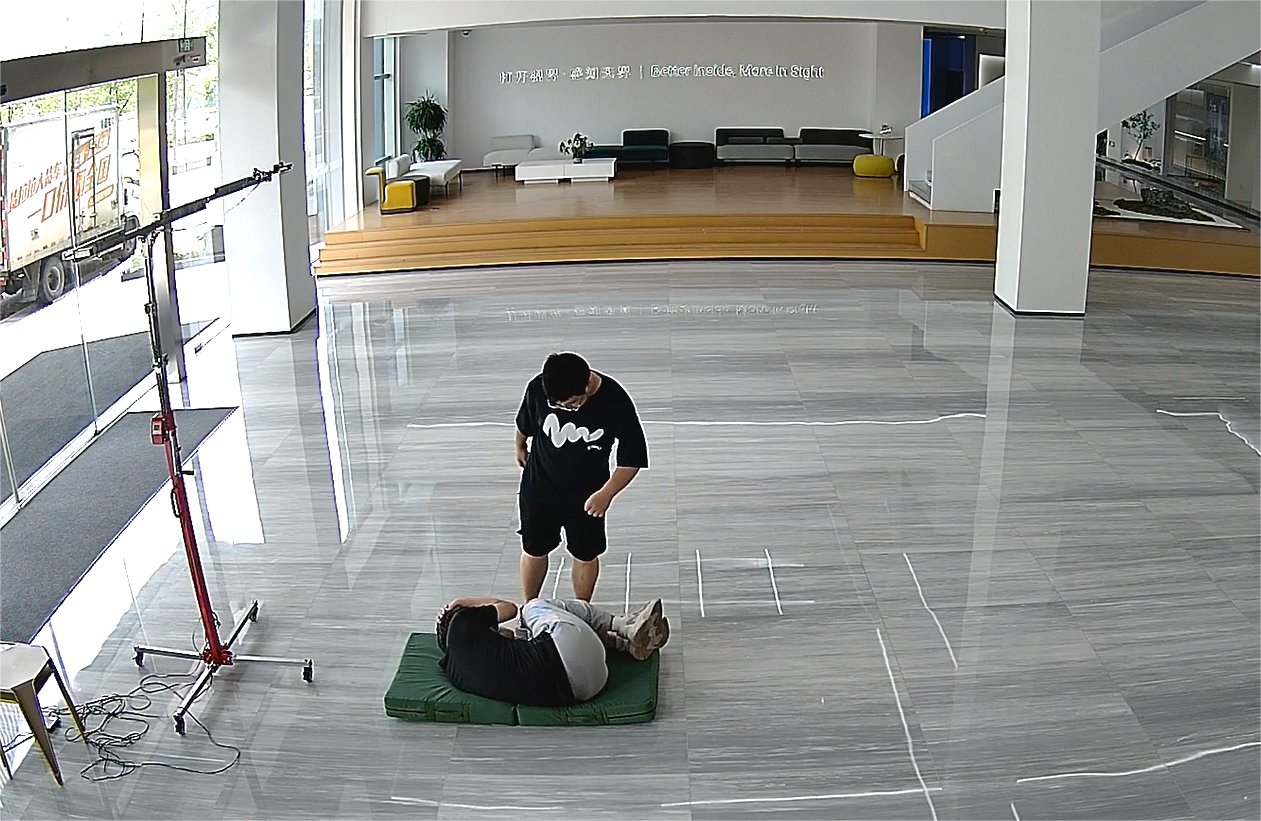
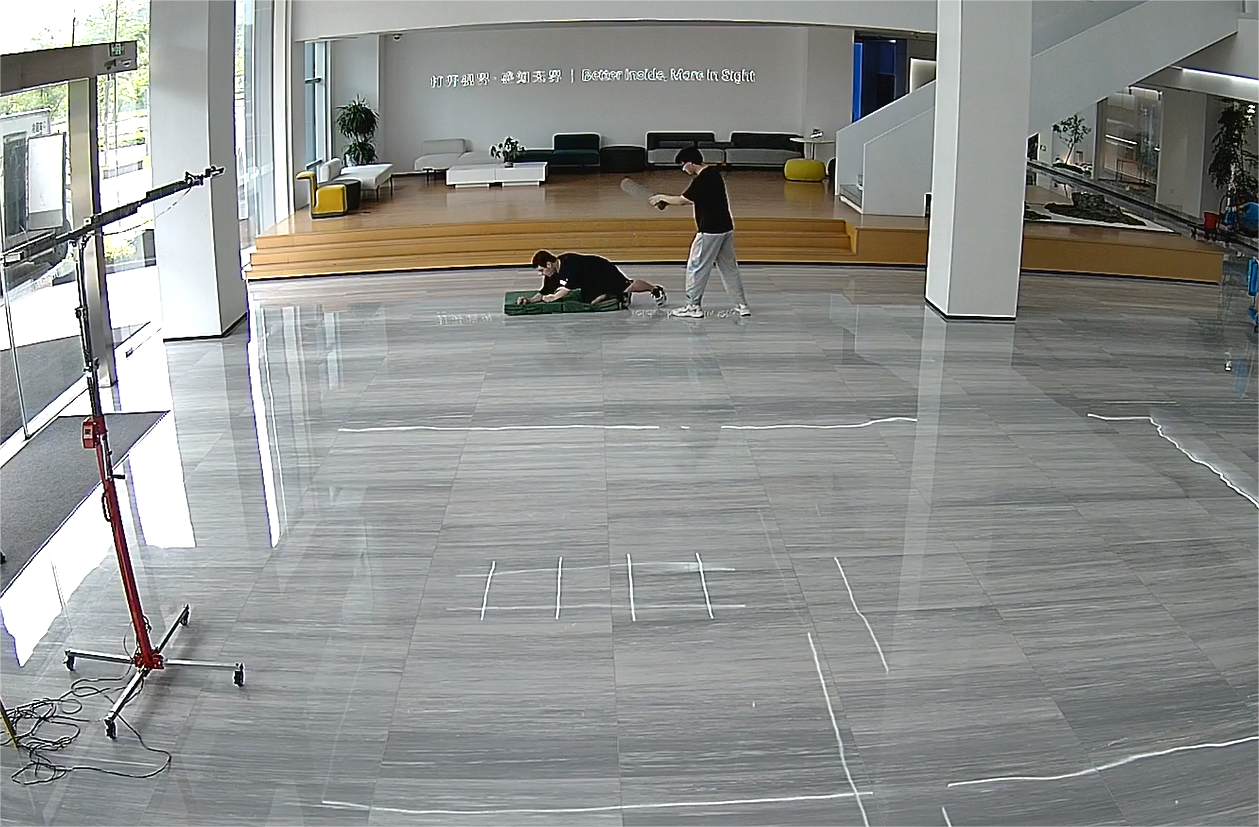
3. The following conditions can reduce the cameras performance.
• Ground punching after falling down
• Kicking while on the ground
• Pushing to the ground
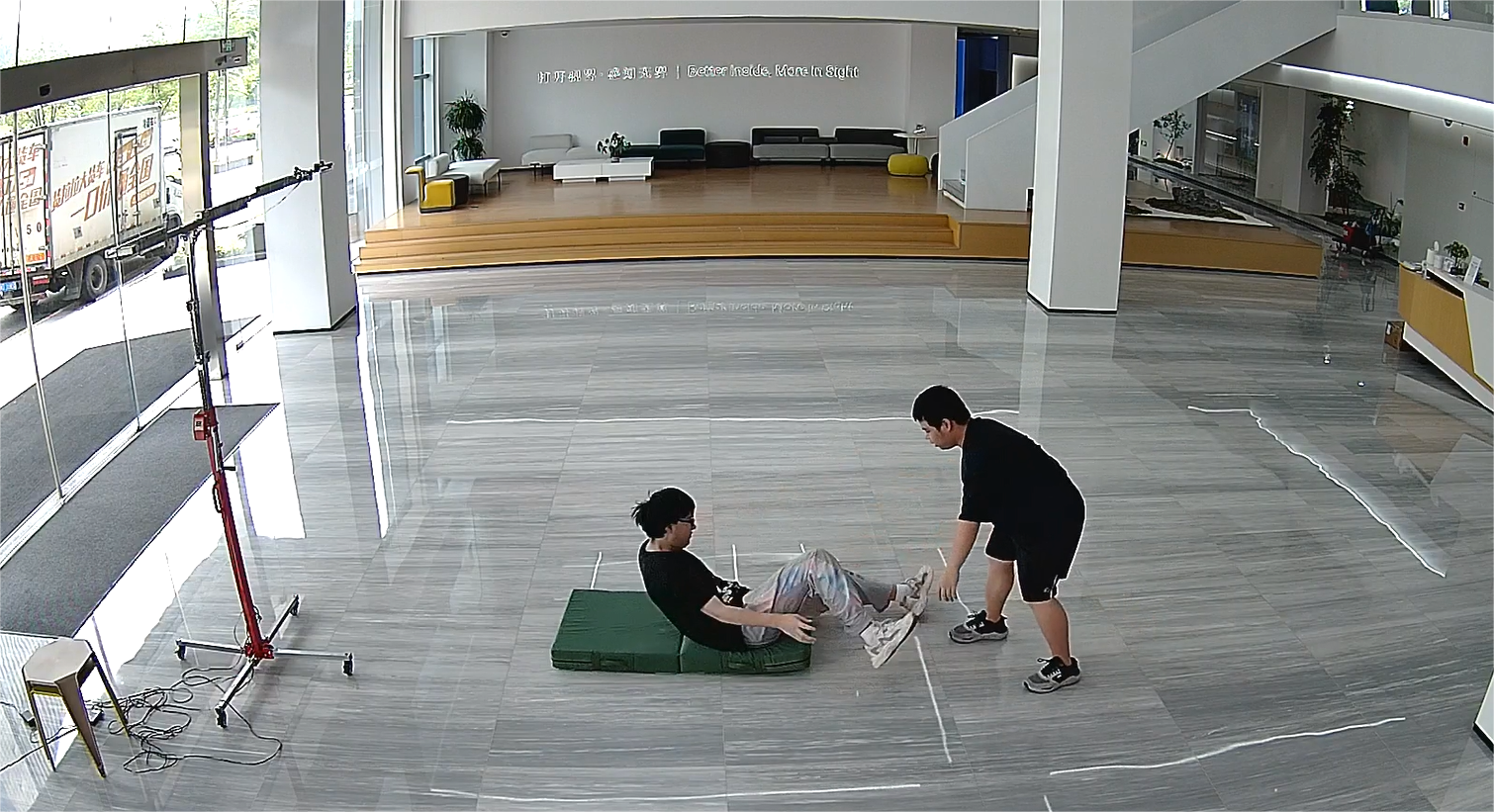
• Knocking down
—— END ——